
Welcome to CLAAS connect.
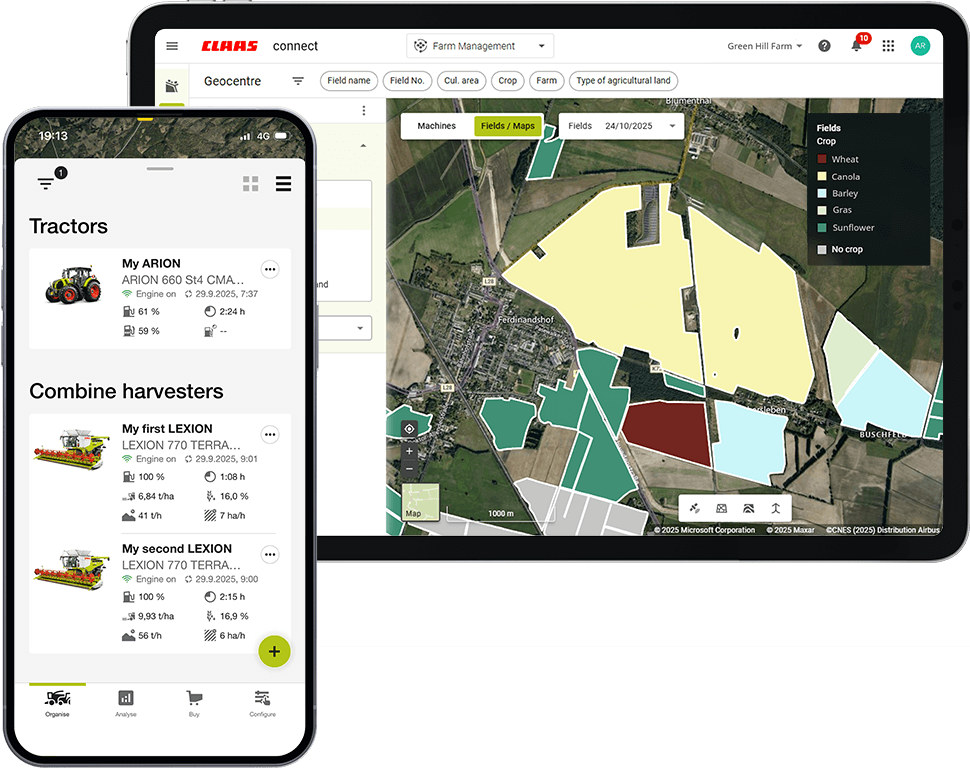
From basic machine data and connectivity functions to farm management solutions, parts shops and licenses – CLAAS connect is my link to the world of CLAAS.
Discover your world of CLAAS.
Back to home screen

My
first steps
My
operational reliability
My
machine performance
My
logistics

My
documentation

My
task management

My
Precision Farming
My
machine configuration



How do I manage my farm data digitally?
Find out more
-
Registering in CLAAS connect for the shop and activations is quick and easy.
-
Manage all your organizations centrally with one CLAAS ID and invite employees and service to join.
-
-
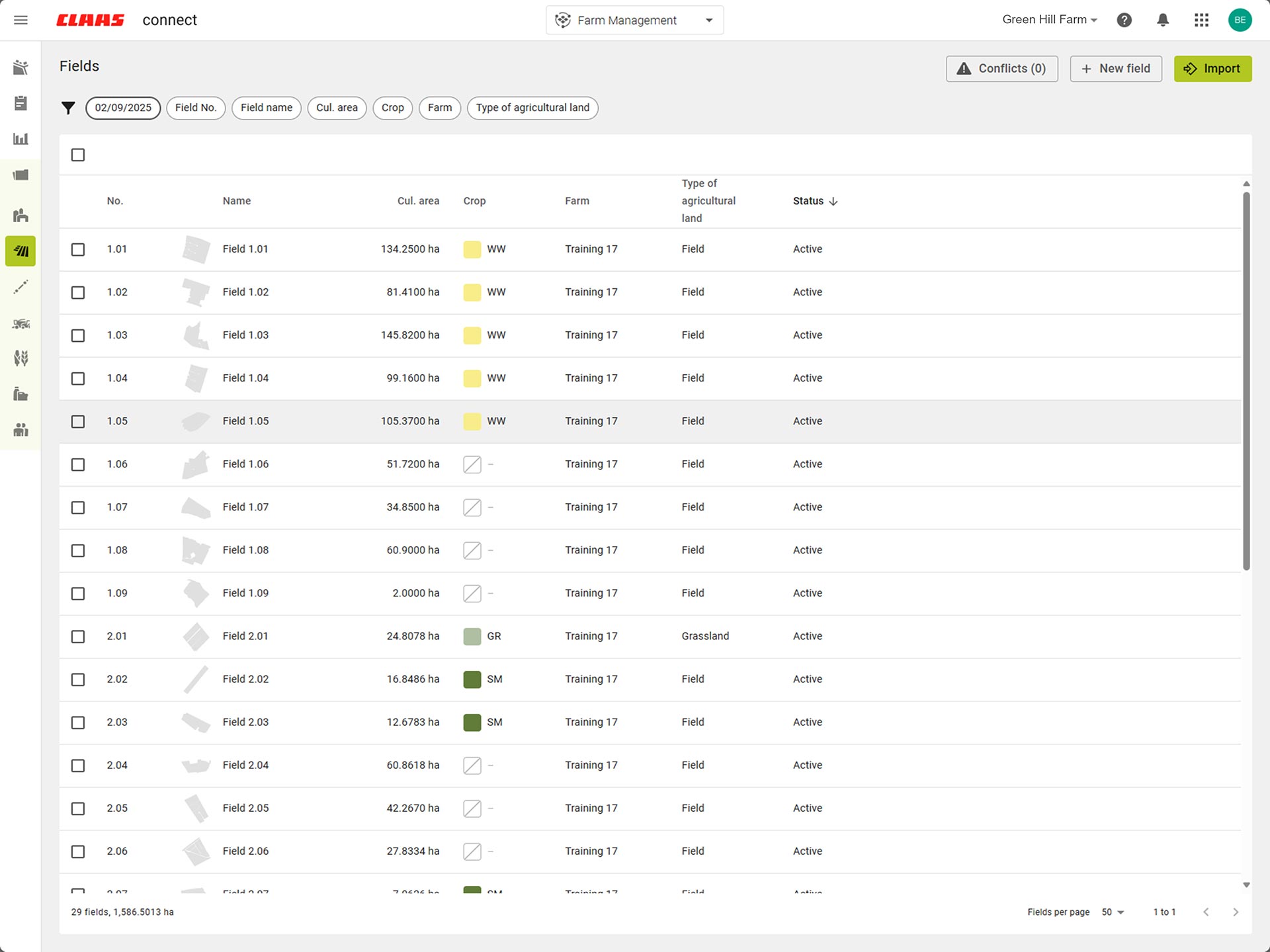
Effortlessly create master data for your farm and import field boundaries and reference tracks.
-
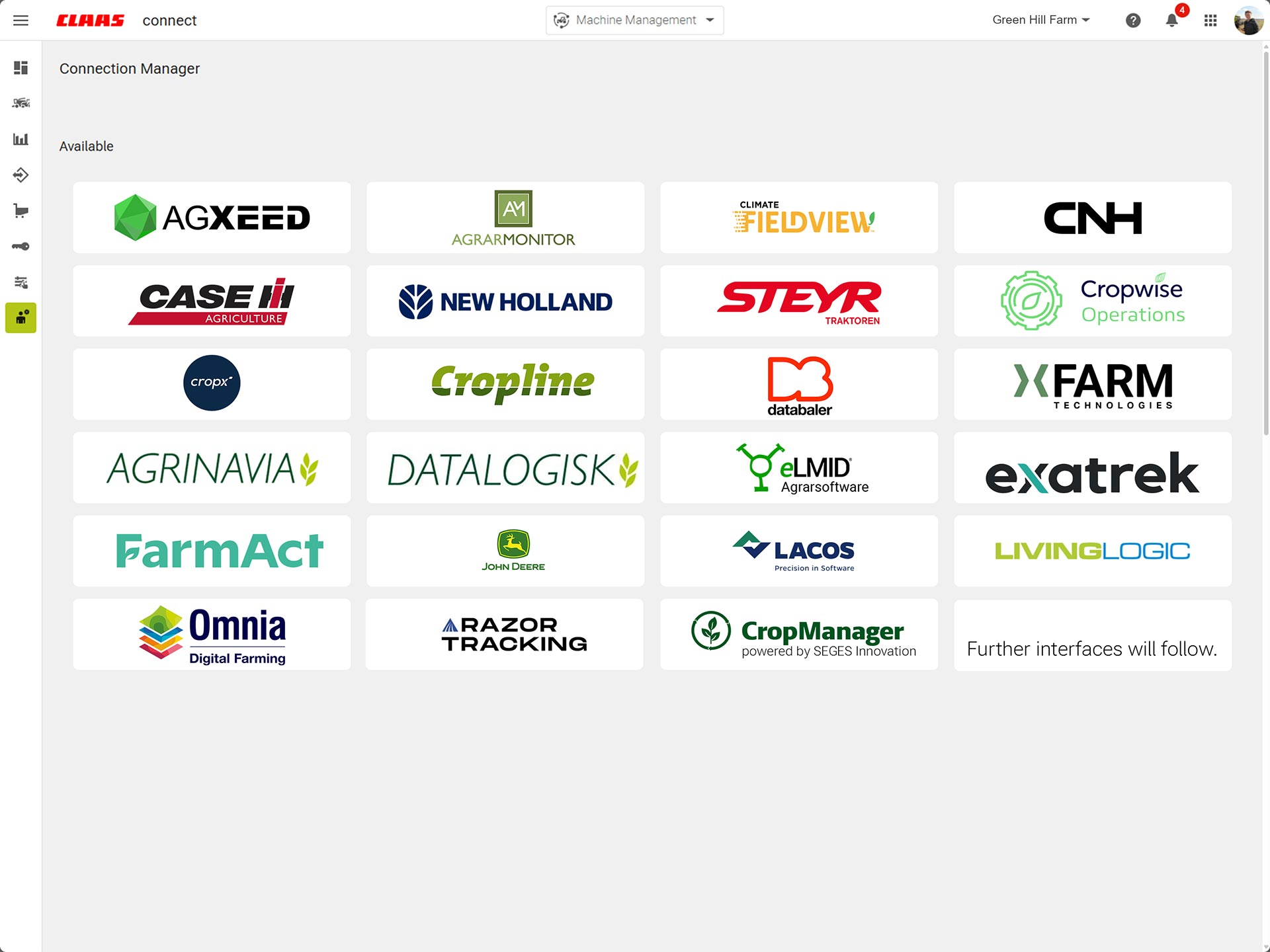
Set up interfaces to other systems with ease.
-
-
CLAAS DIGITAL CARE experts help you get the best out of your machines.
-
-
Stories overview
My first steps



01
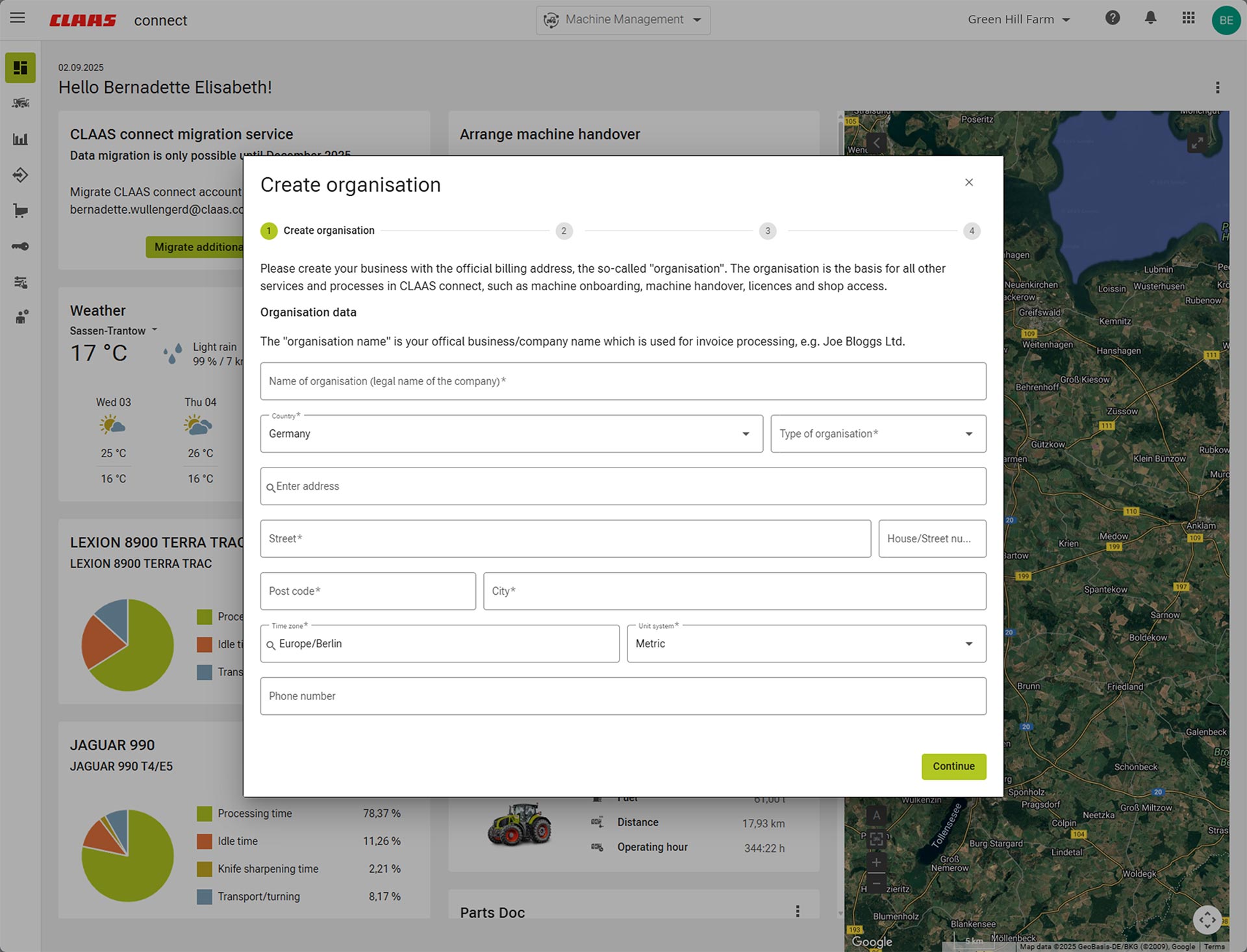
Create your farm quickly and easily.
02
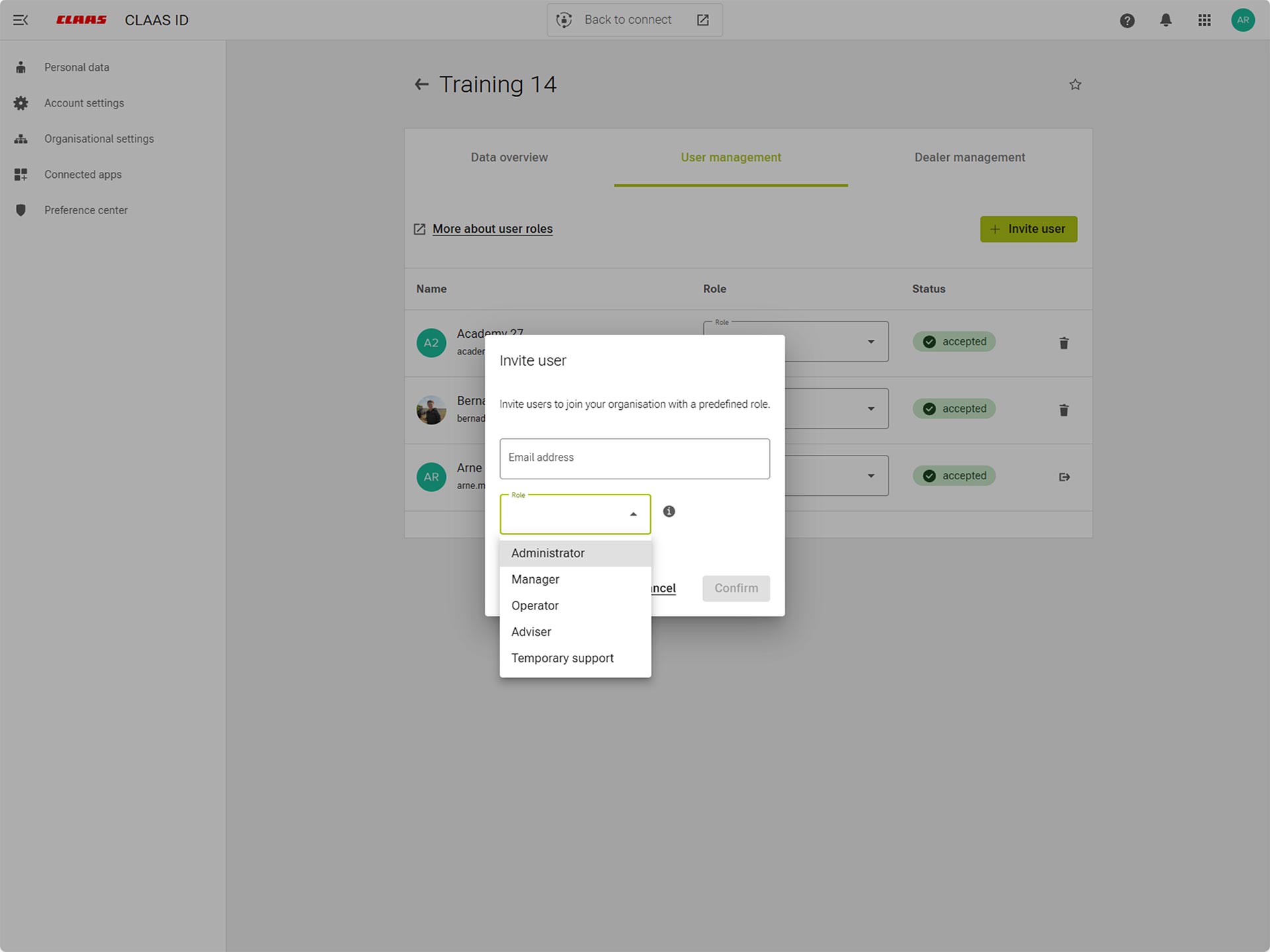
Manage your farm conveniently with one
CLAAS ID.
03
Get even more from DIGITAL CARE.
How do I ensure that my machine is always ready for use?
Find out more
-
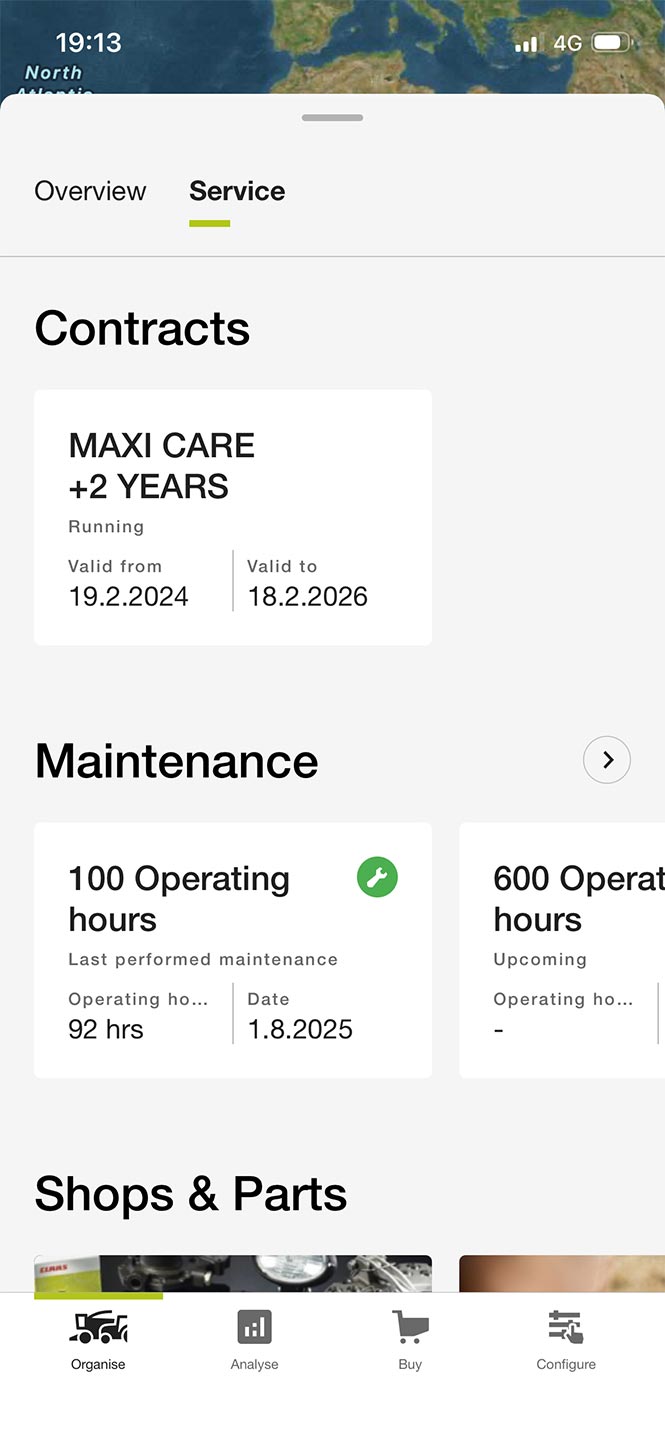
You and your dealer can view the service and maintenance information.
-
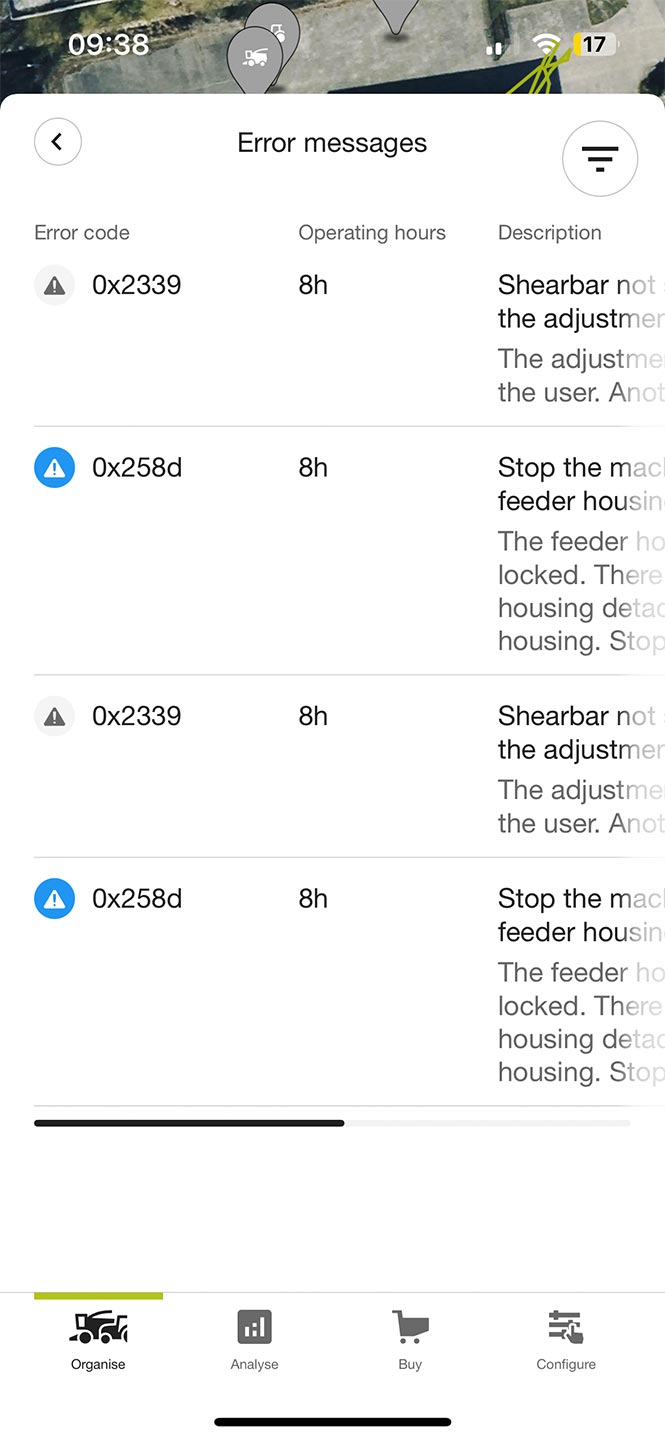
Get access to all alarms, their descriptions and recommended solutions.
-
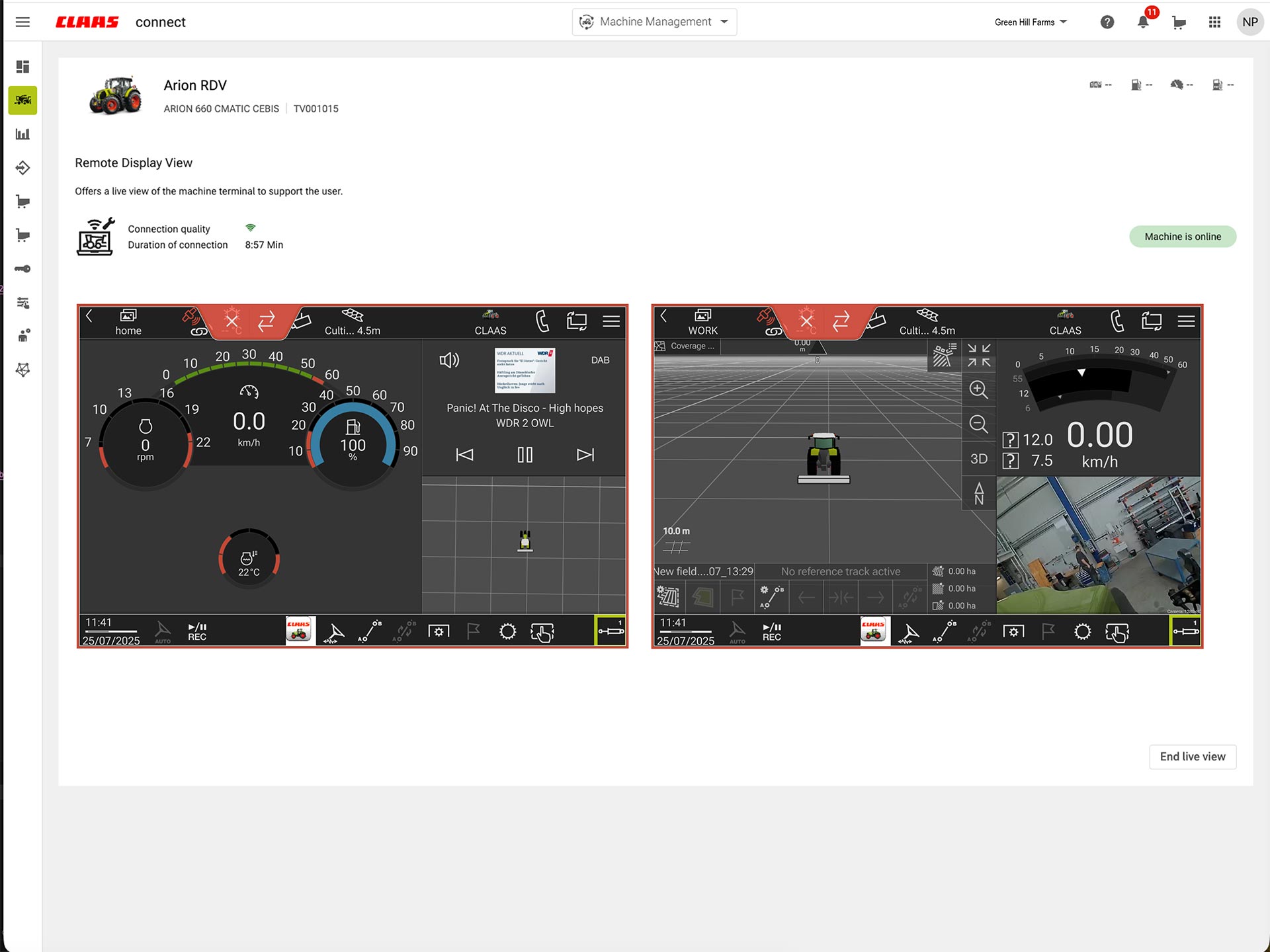
You and your dealer can view your machine terminals directly.
-
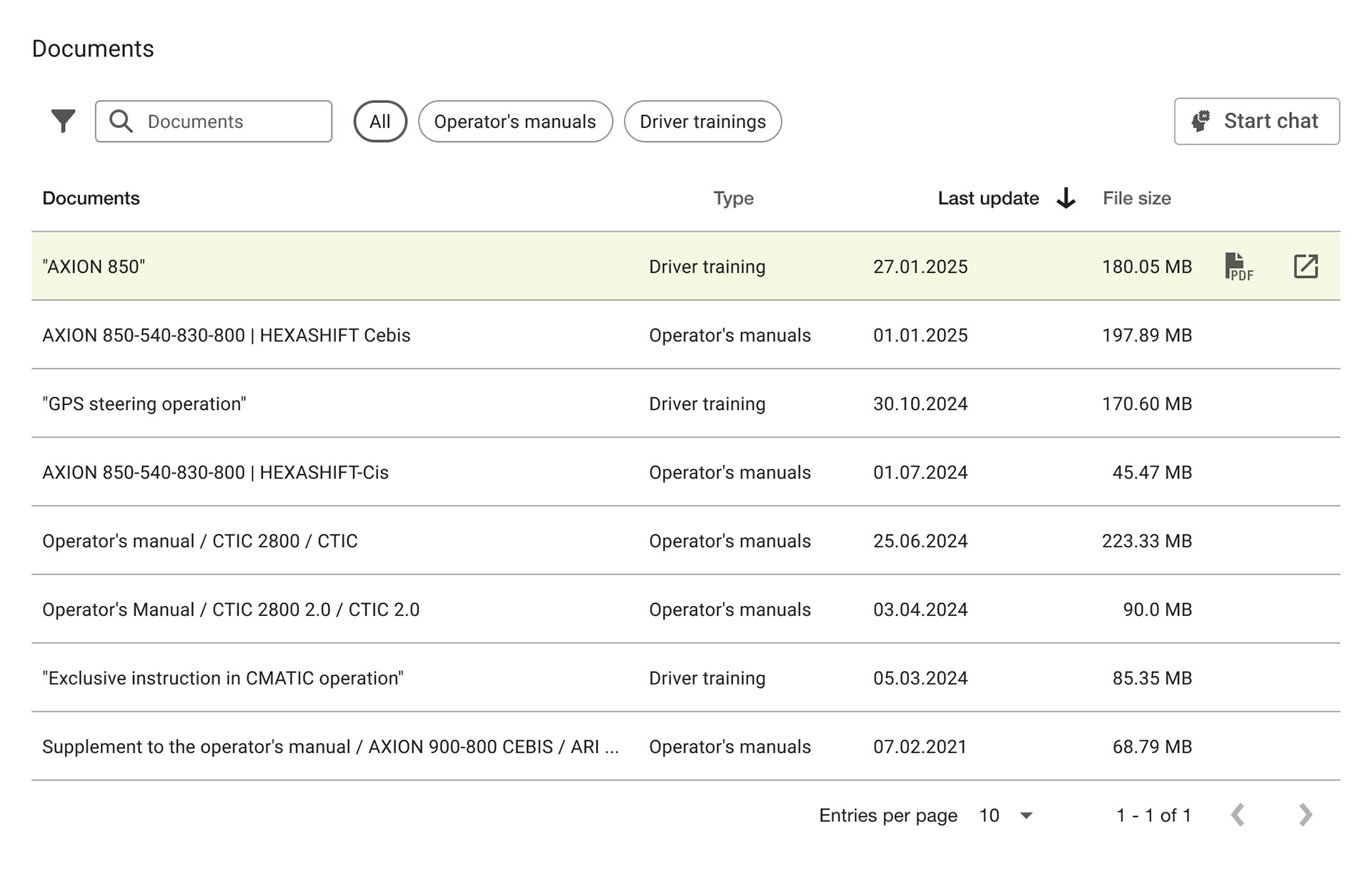
The right operating instructions and operator training for your machine are always to hand.
-
-
-
Use the lubricant advisor to find and order the right product and quantity for your machine.
-
Find spare parts in Parts Doc and get them delivered by your dealer from the Parts Shop.
-
With AI-assisted image recognition, you can even find the right spares for damaged parts.
Stories overview
My operational reliability
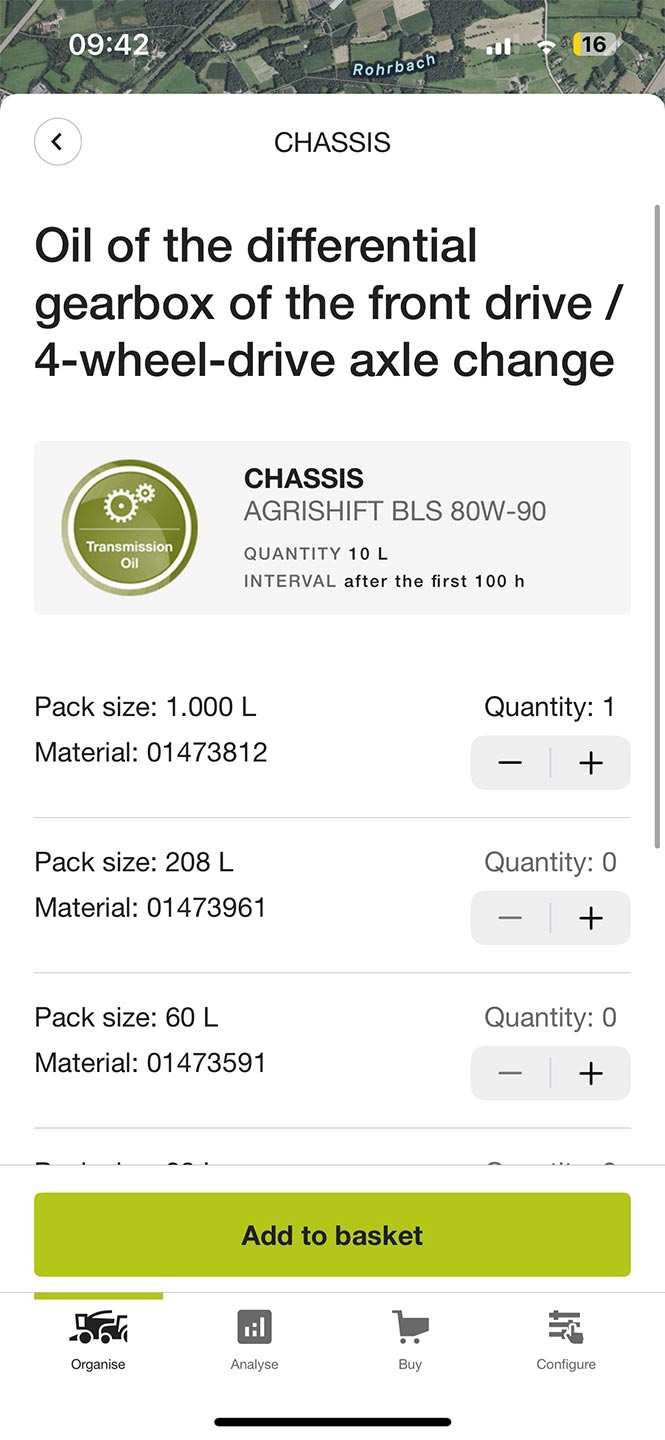
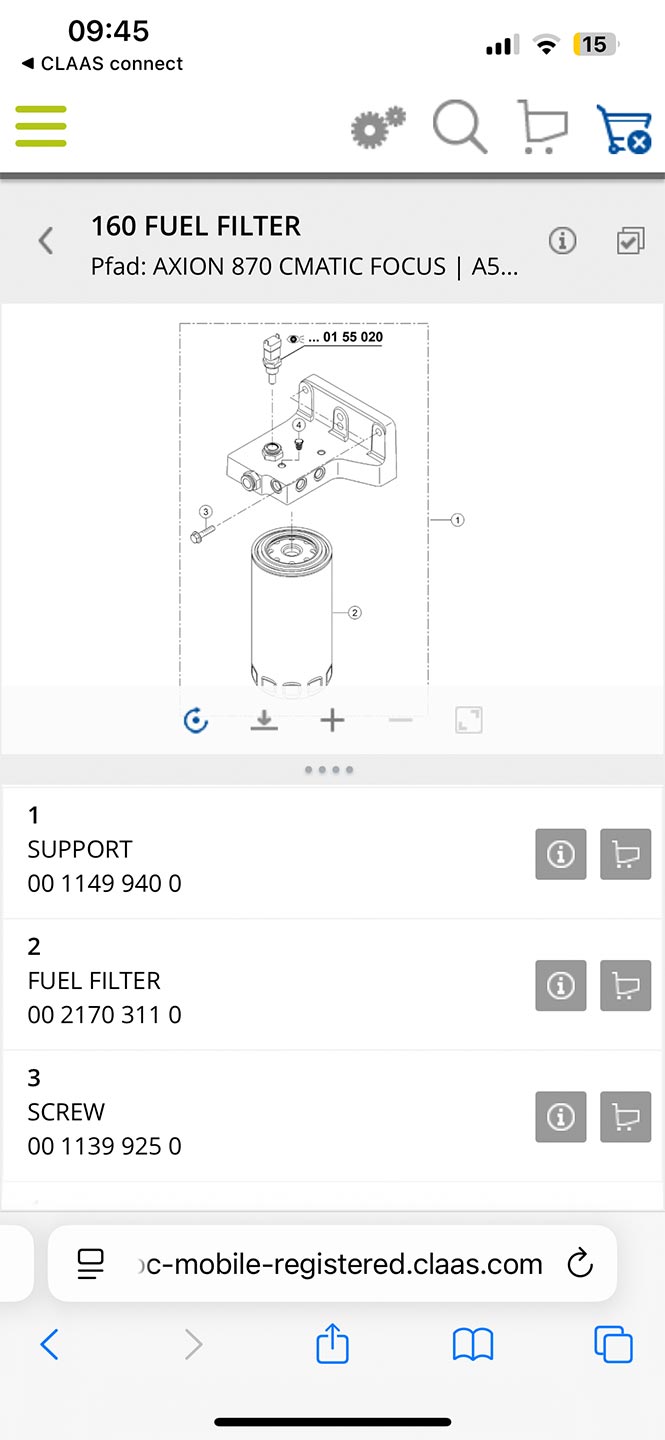
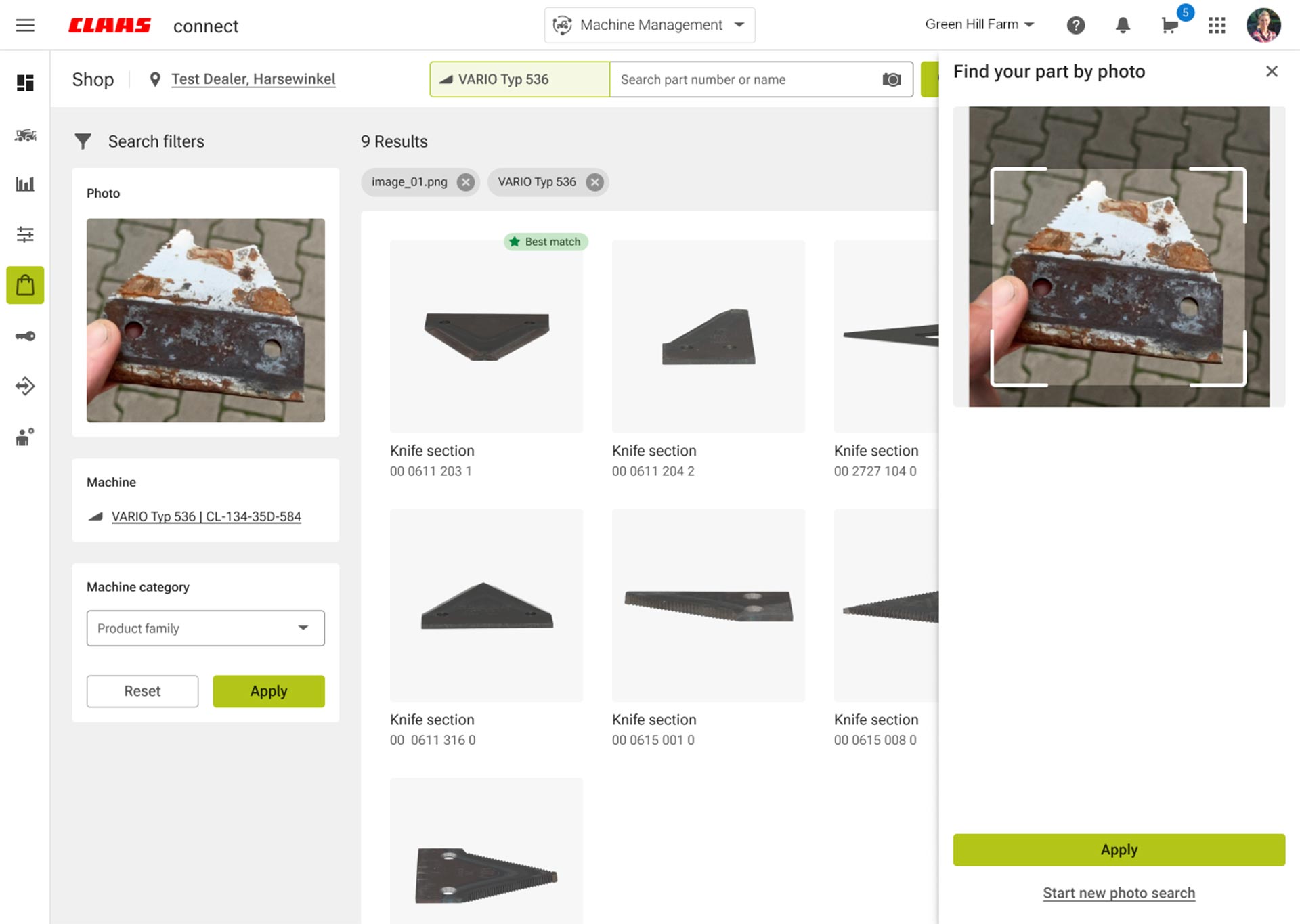
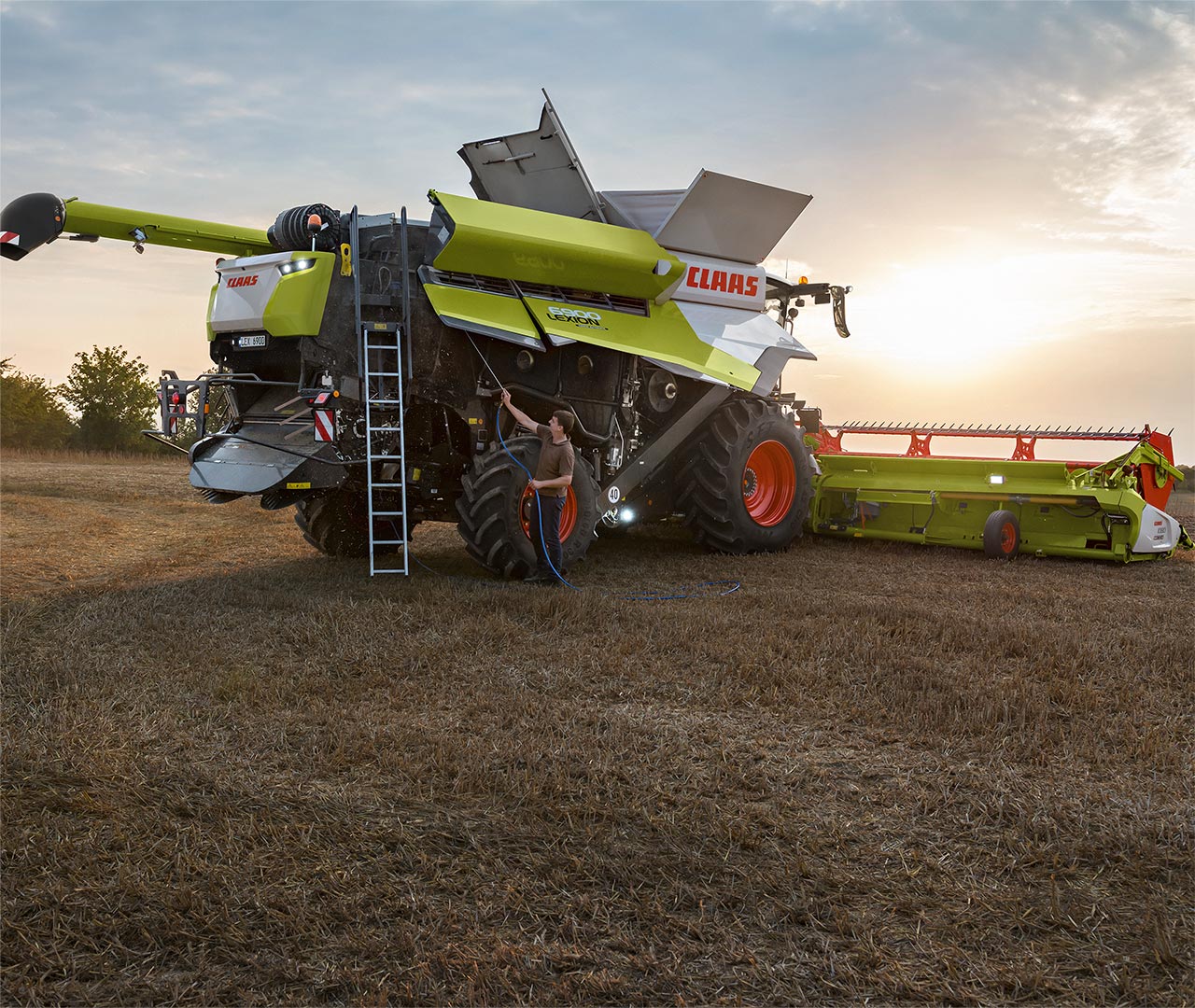
01
Keep track of your machine service information at all times.
02
It's easy to find the right operating instructions for your machine.
03
CLAAS connect knows every part – you order, we deliver.
How do I use my machines efficiently?
Find out more
-
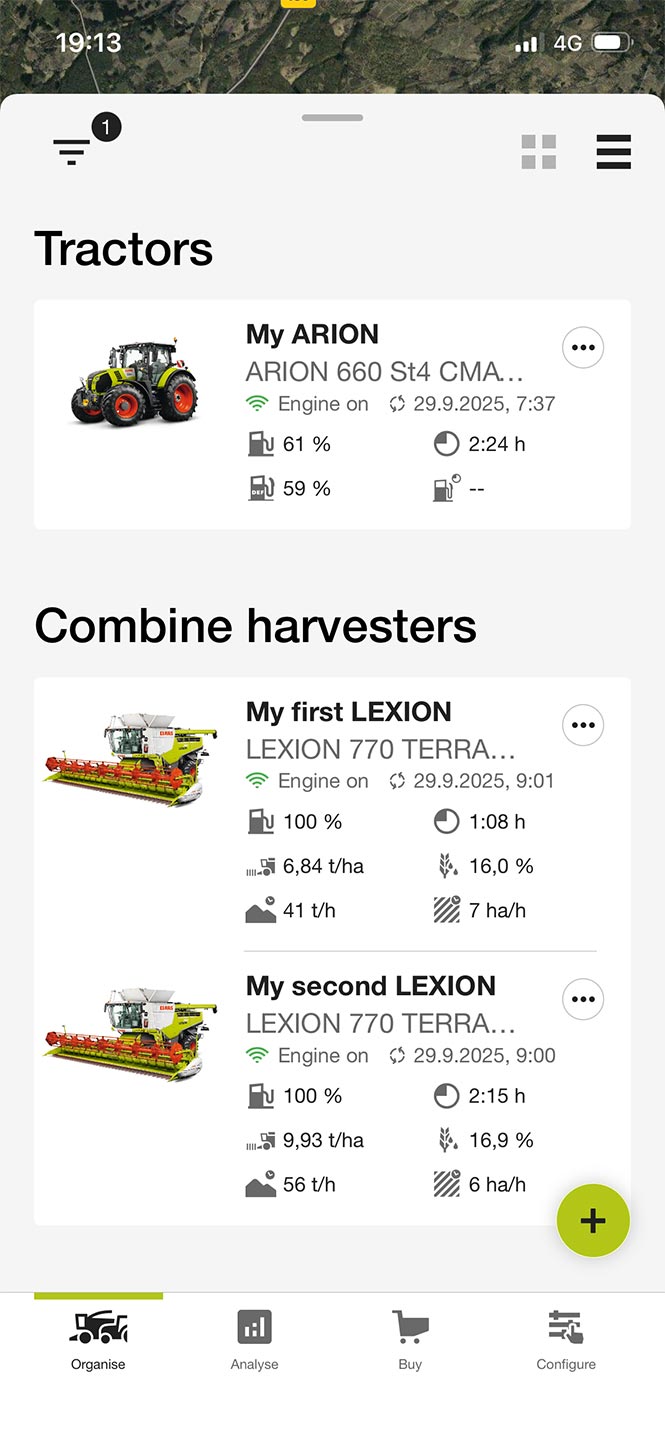
The machine overview is displayed on the app or on your desktop.
-
-
-
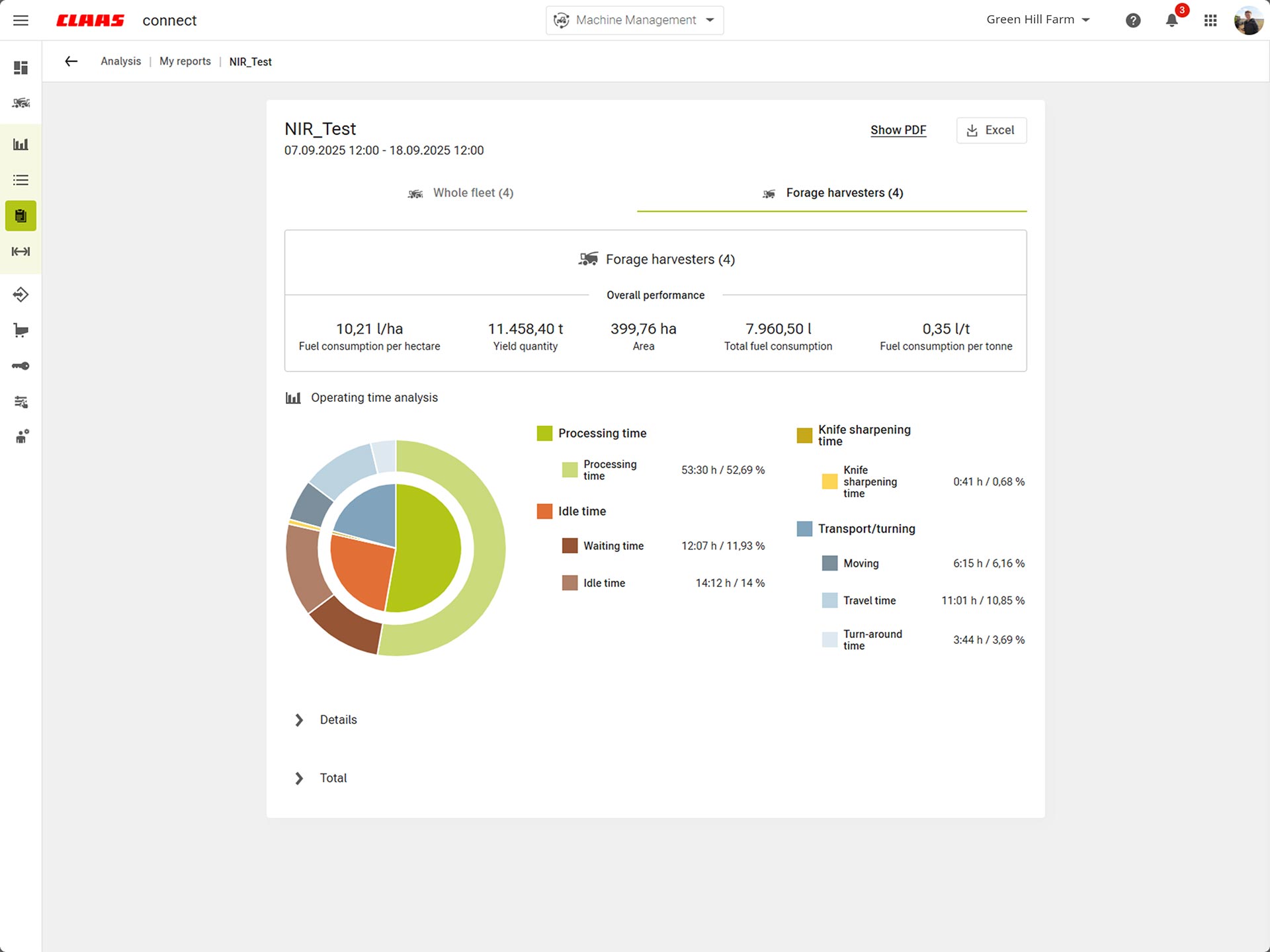
Get machine- or time-based campaign and daily reports.
-
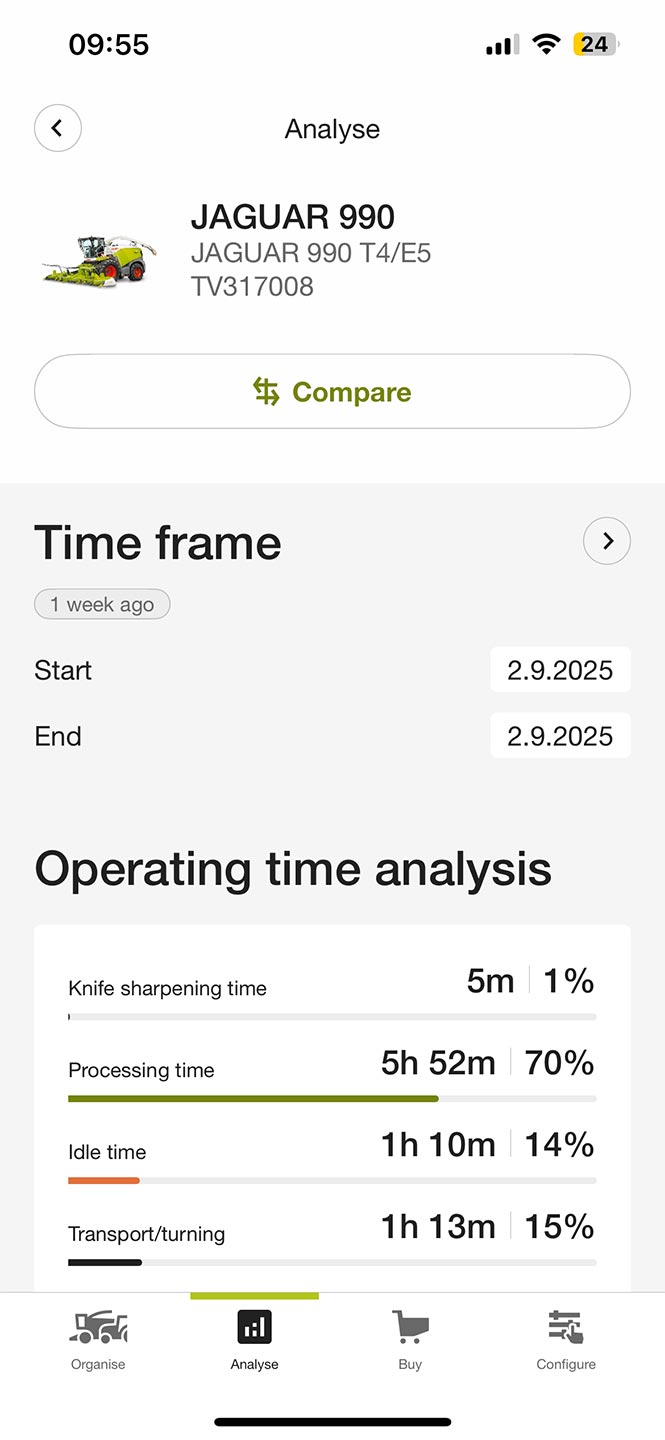
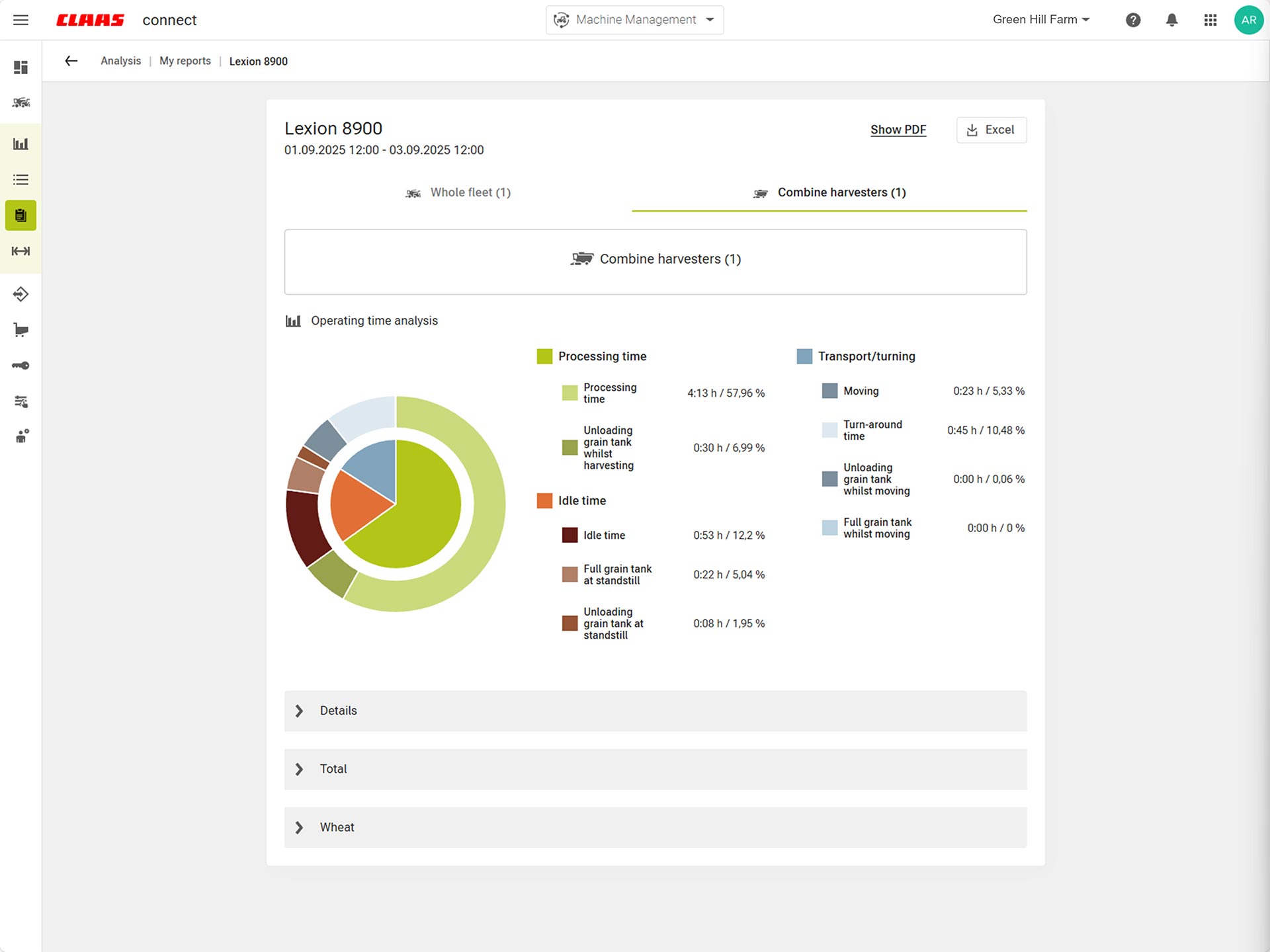
Use operating time analysis to identify your downtimes and create transparency.
-
-
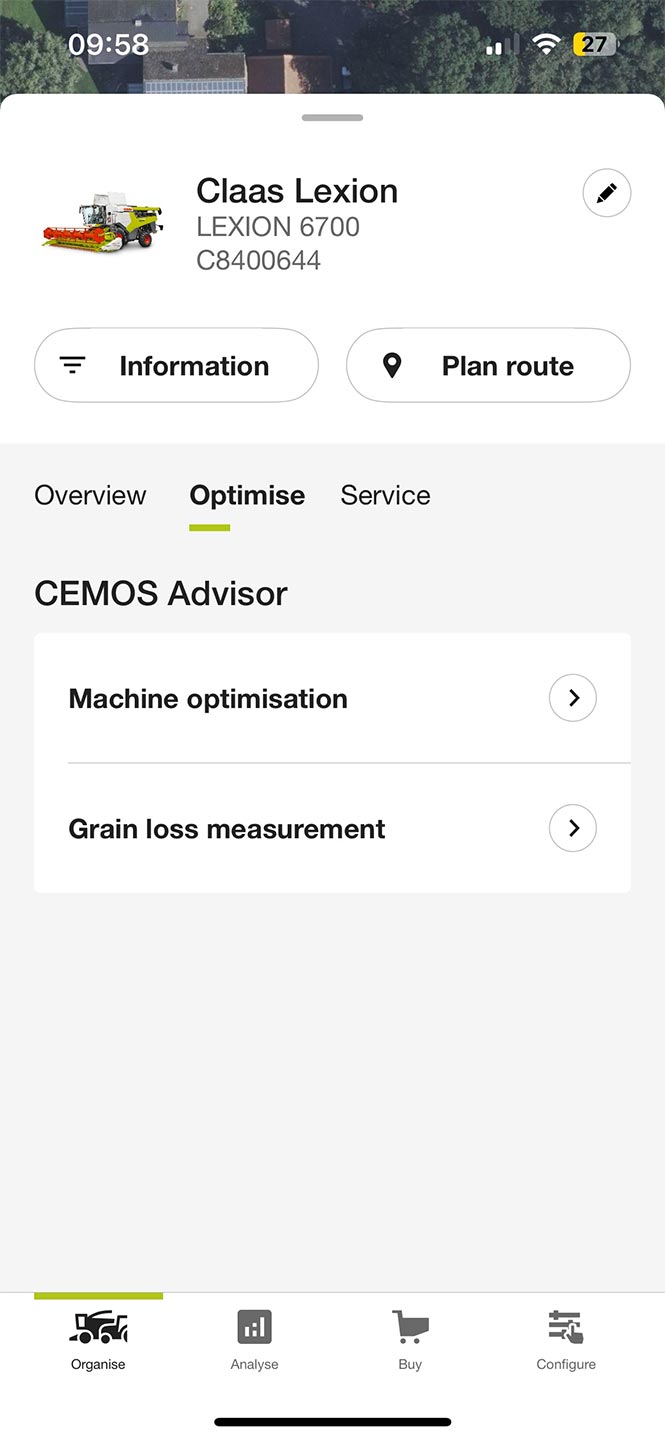
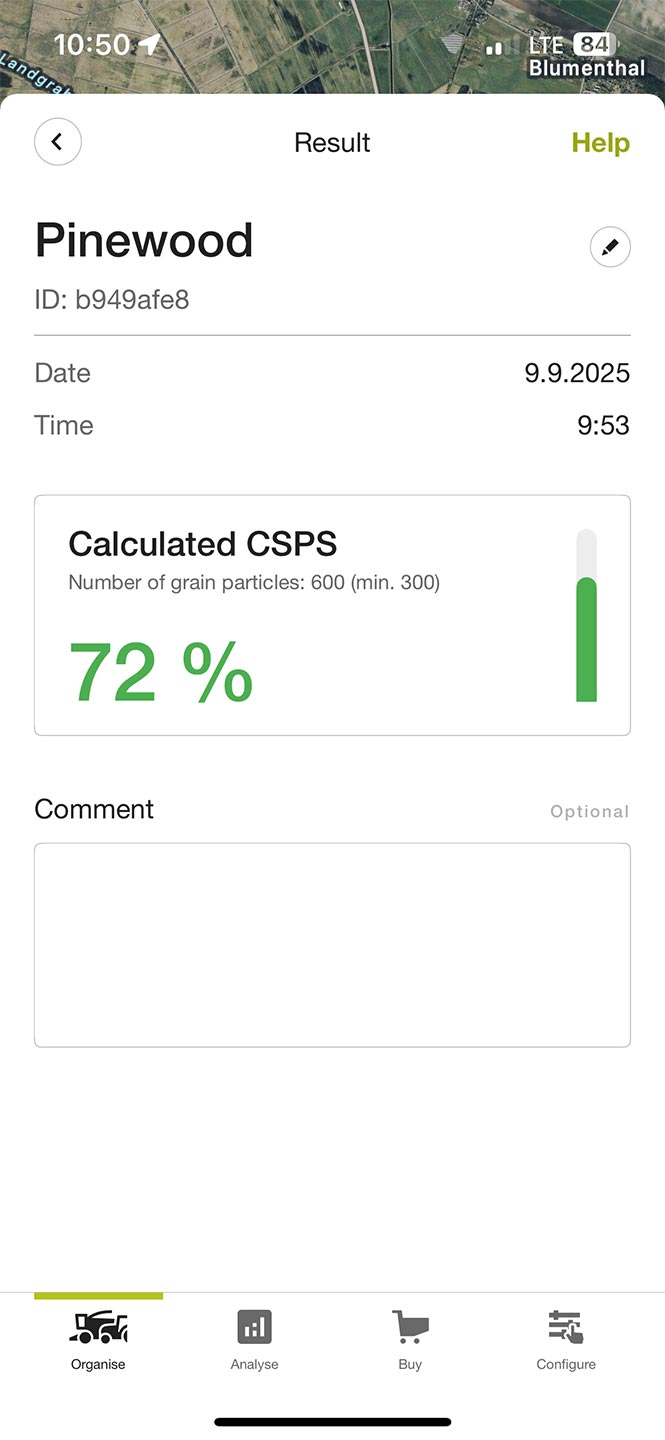
Optimize your machine settings with CEMOS Advisor.
-
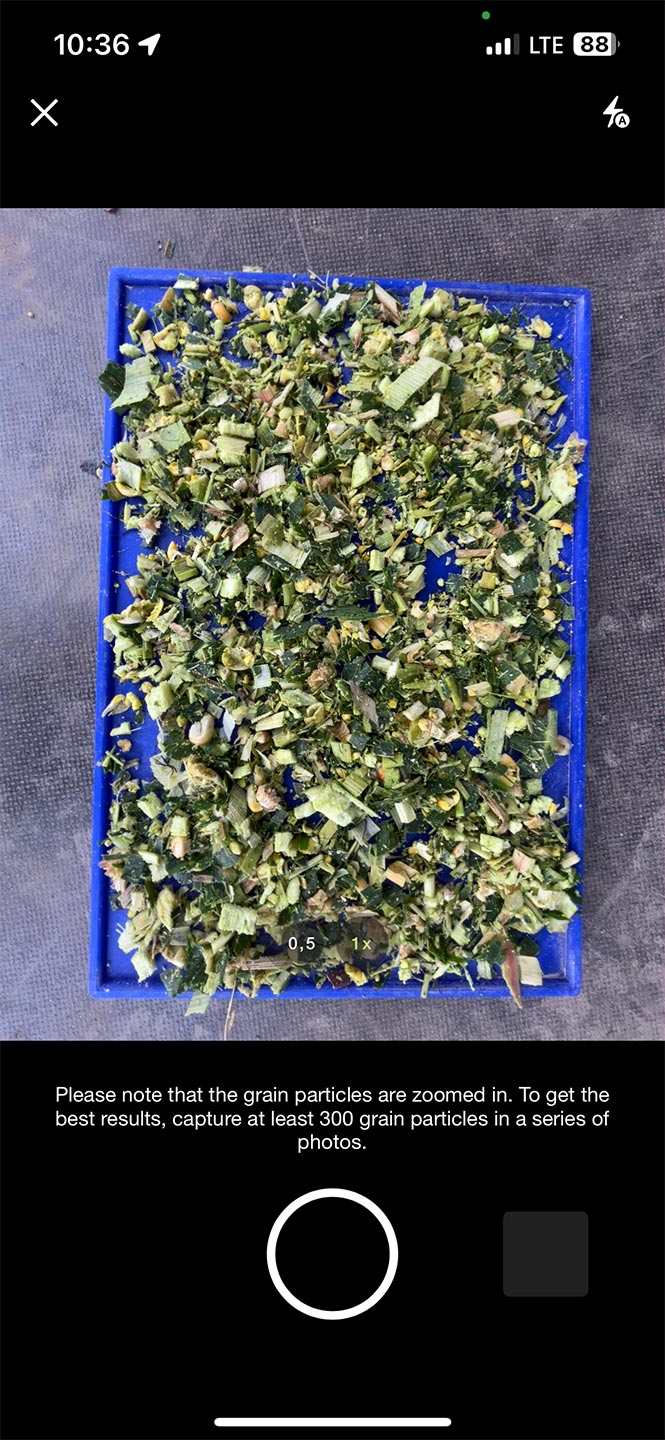
Analyze your chop quality in real time and easily calculate the amount of silage additive you need.
-
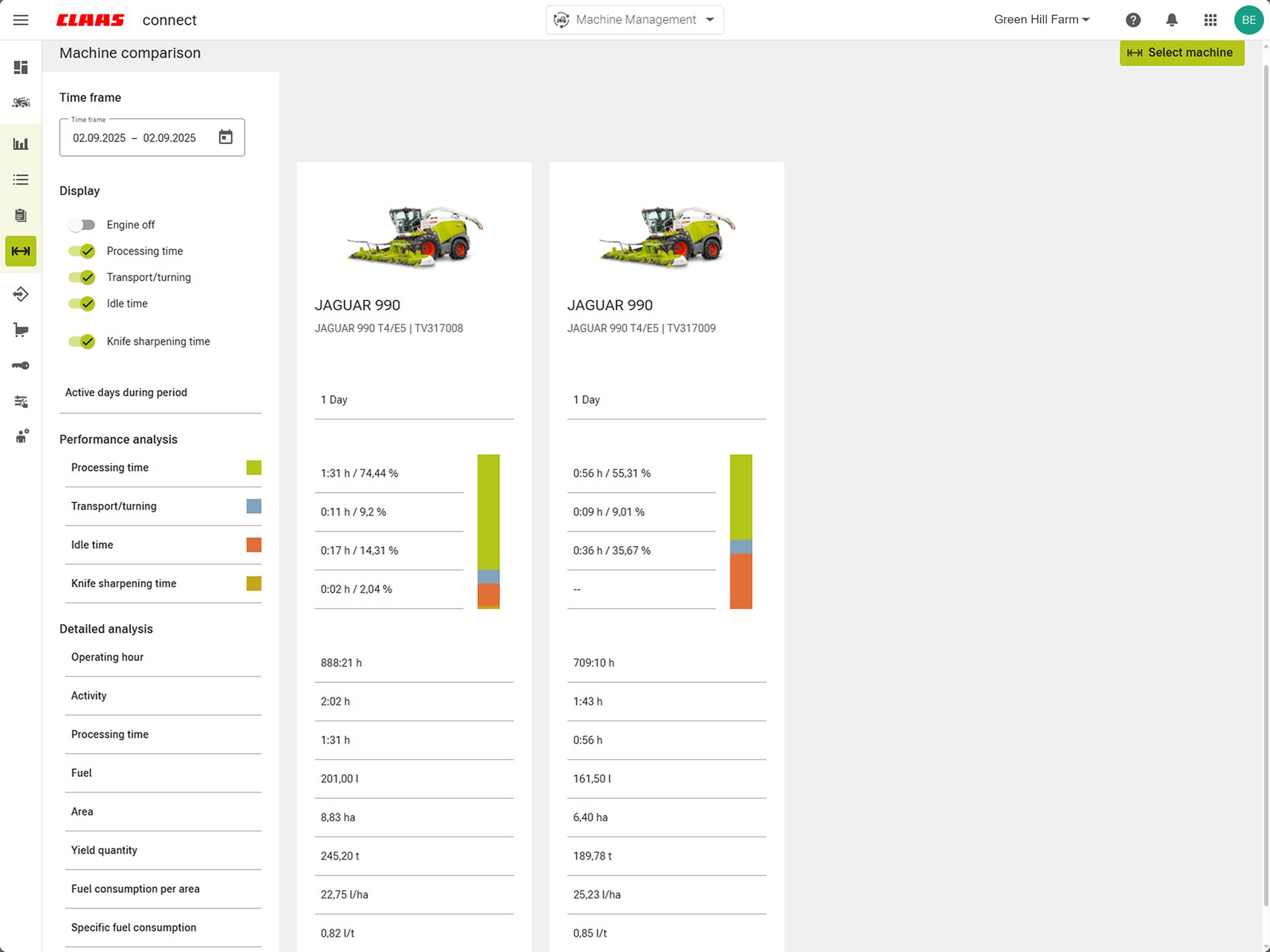
Compare your machines and identify additional potential.
Stories overview
My machine performance
01
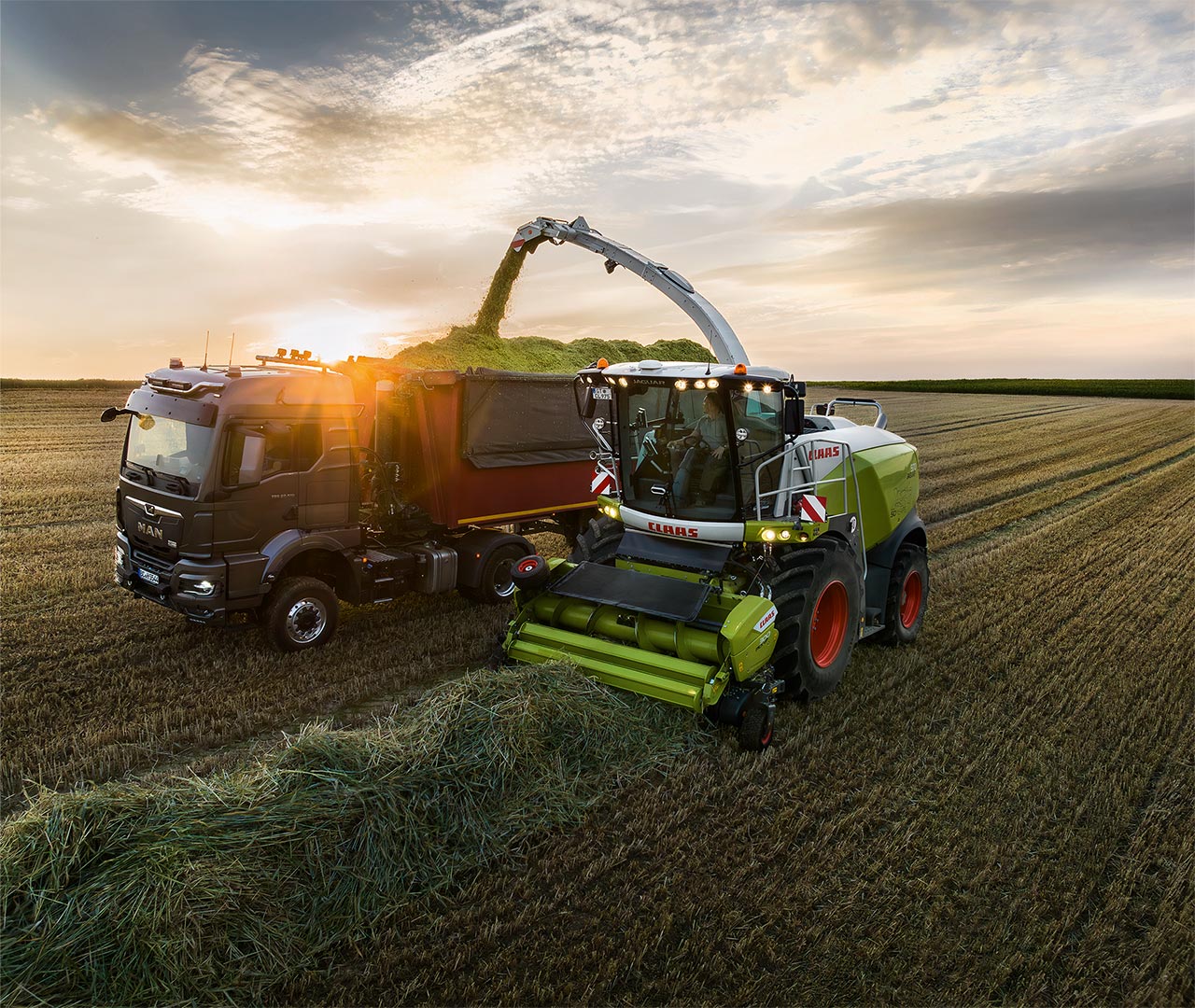
Keep track of all your machines at all times – wherever you are.
02
Use analysis and reports to increase the transparency and efficiency of your fleet.
03
Optimally configured – maximize the potential of your machines.
How do I get an overview of my entire fleet?
Find out more
-
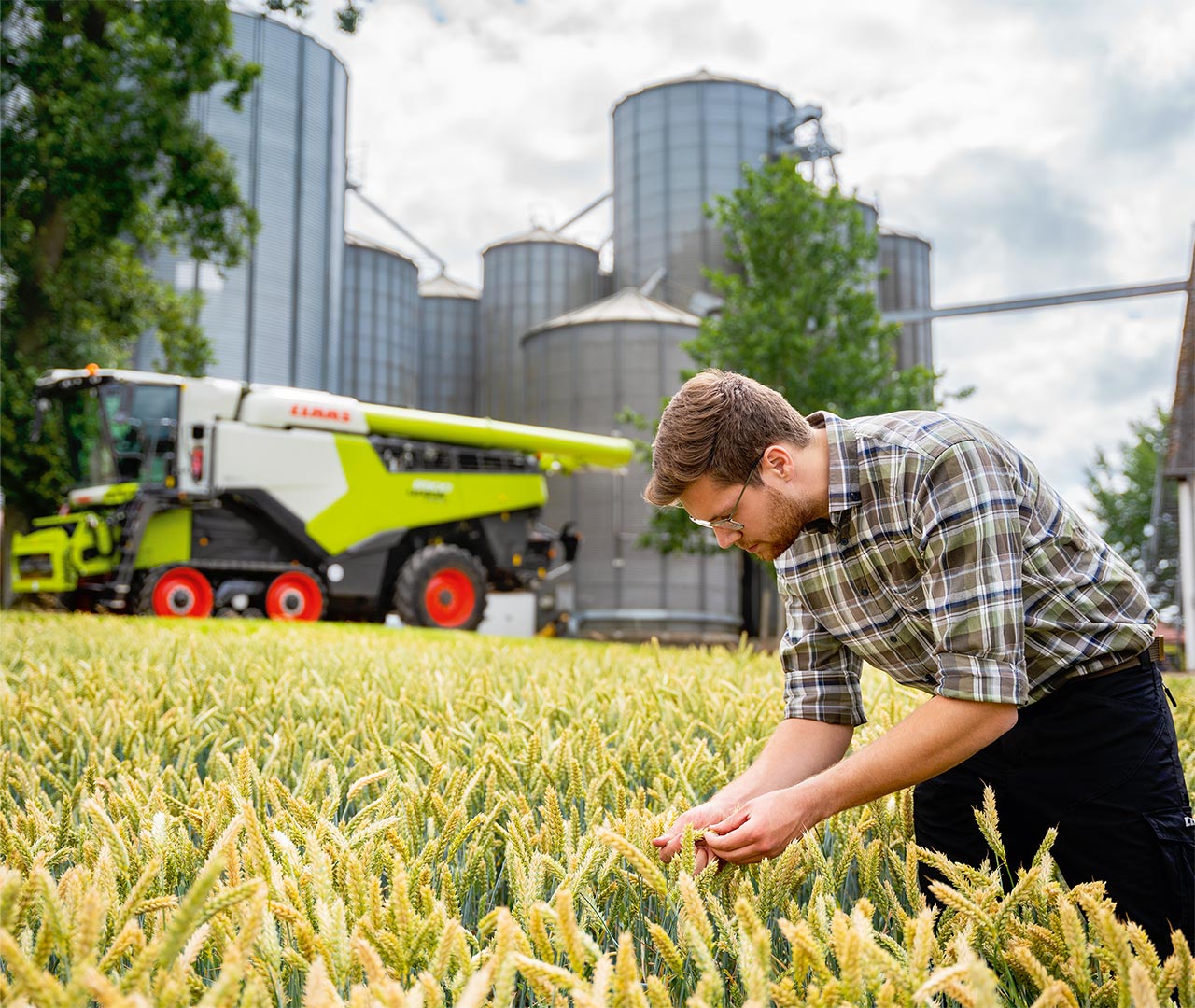
See when work in the field is estimated to be completed.
-
View current average values for your crop at any time.
-
-
Connect third-party machines easily via our interfaces.
-
-
-
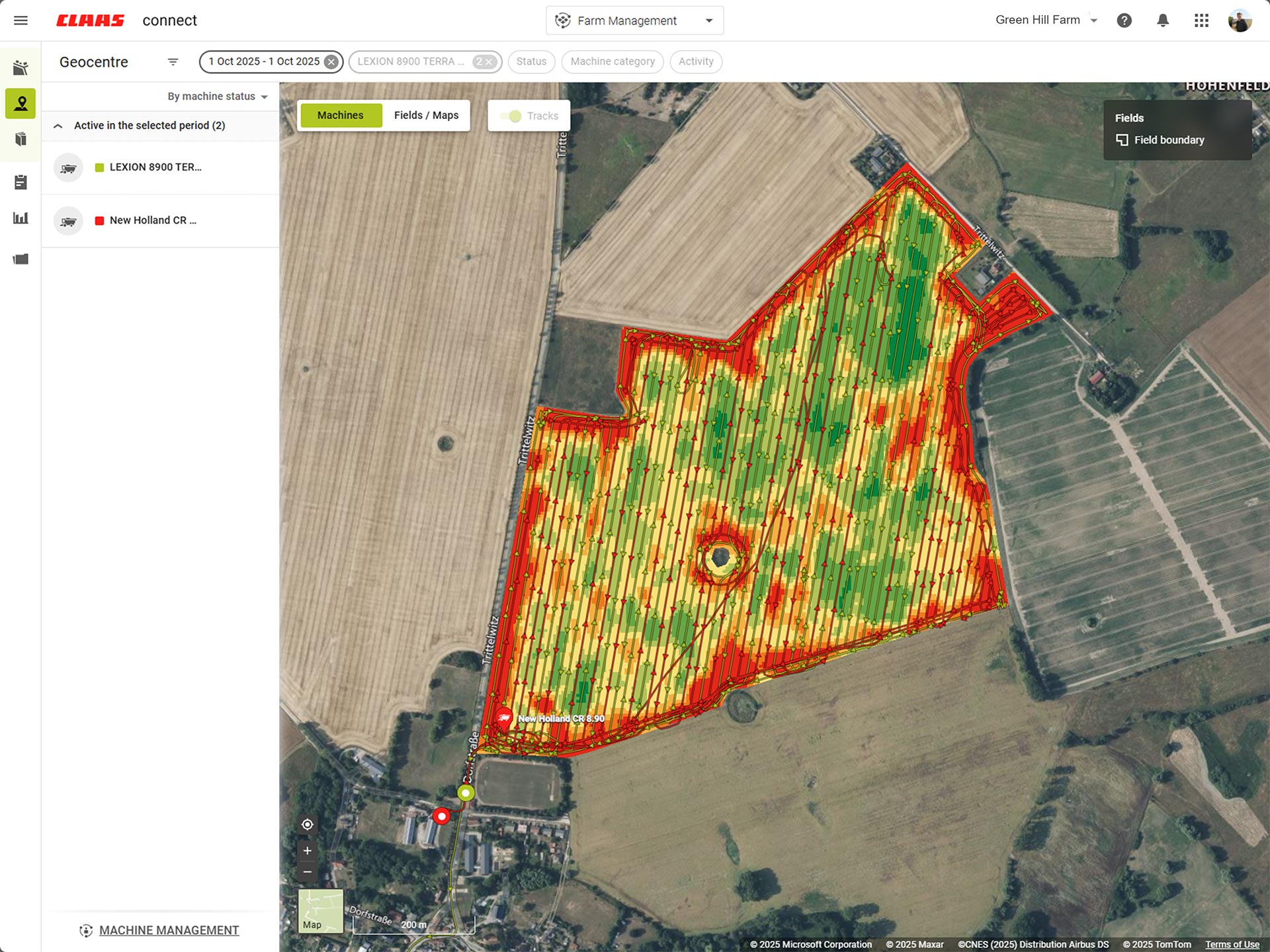
Automatically create interpolated and corrected yield maps – even for third-party manufacturers.
-
-
Stories overview
My logistics
01
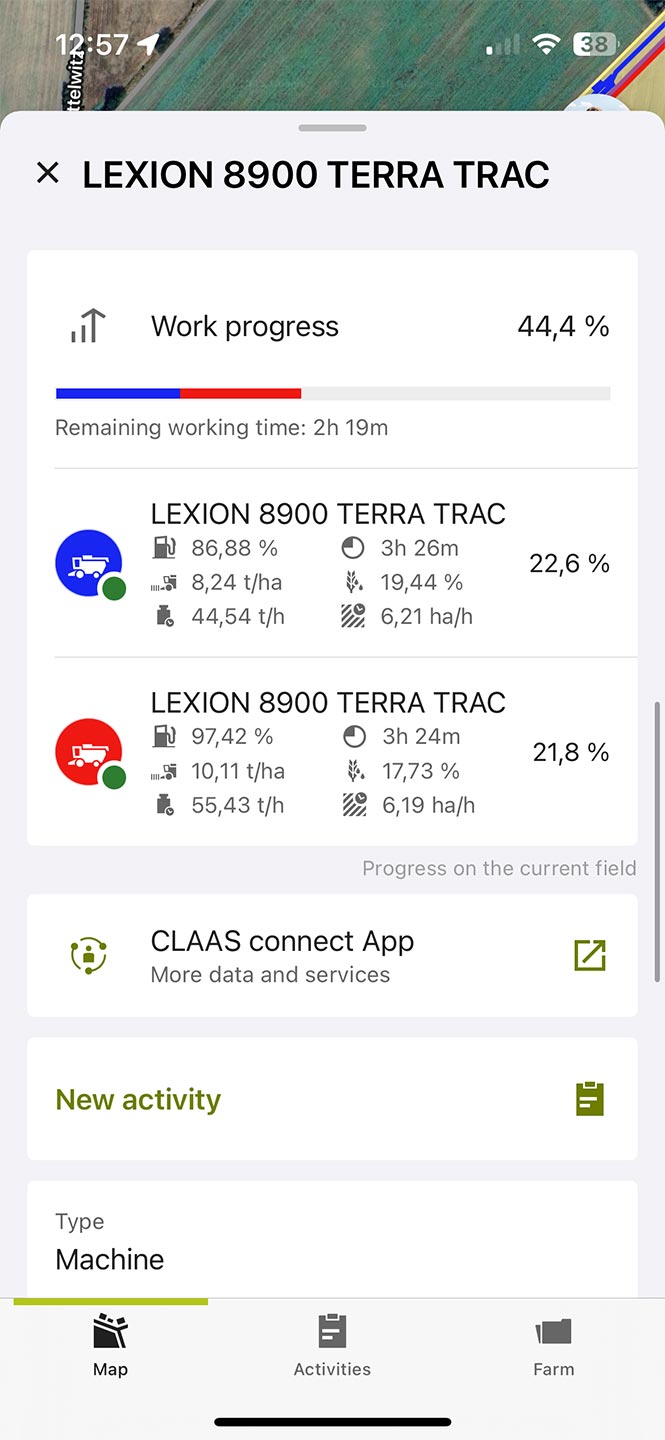
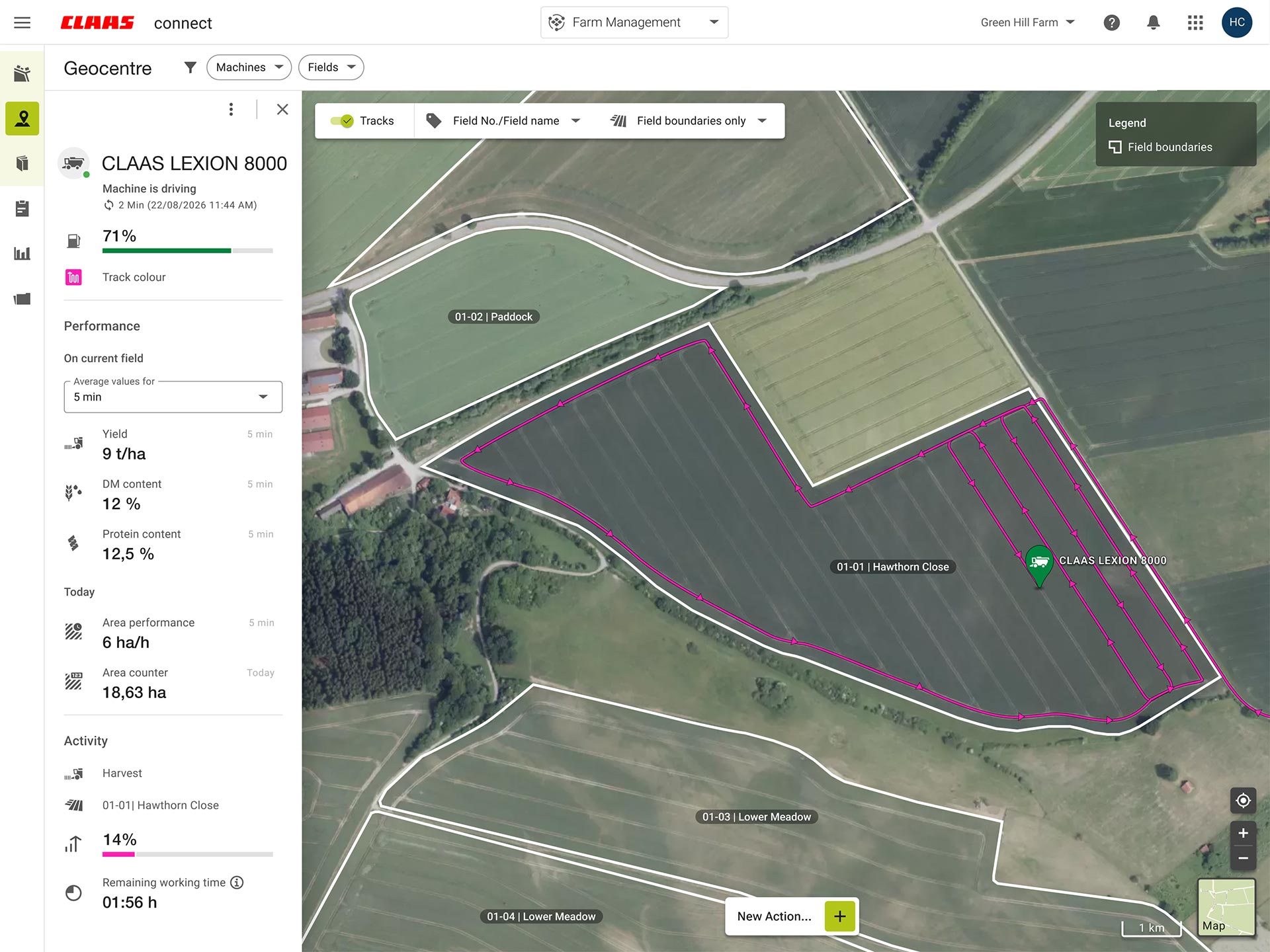
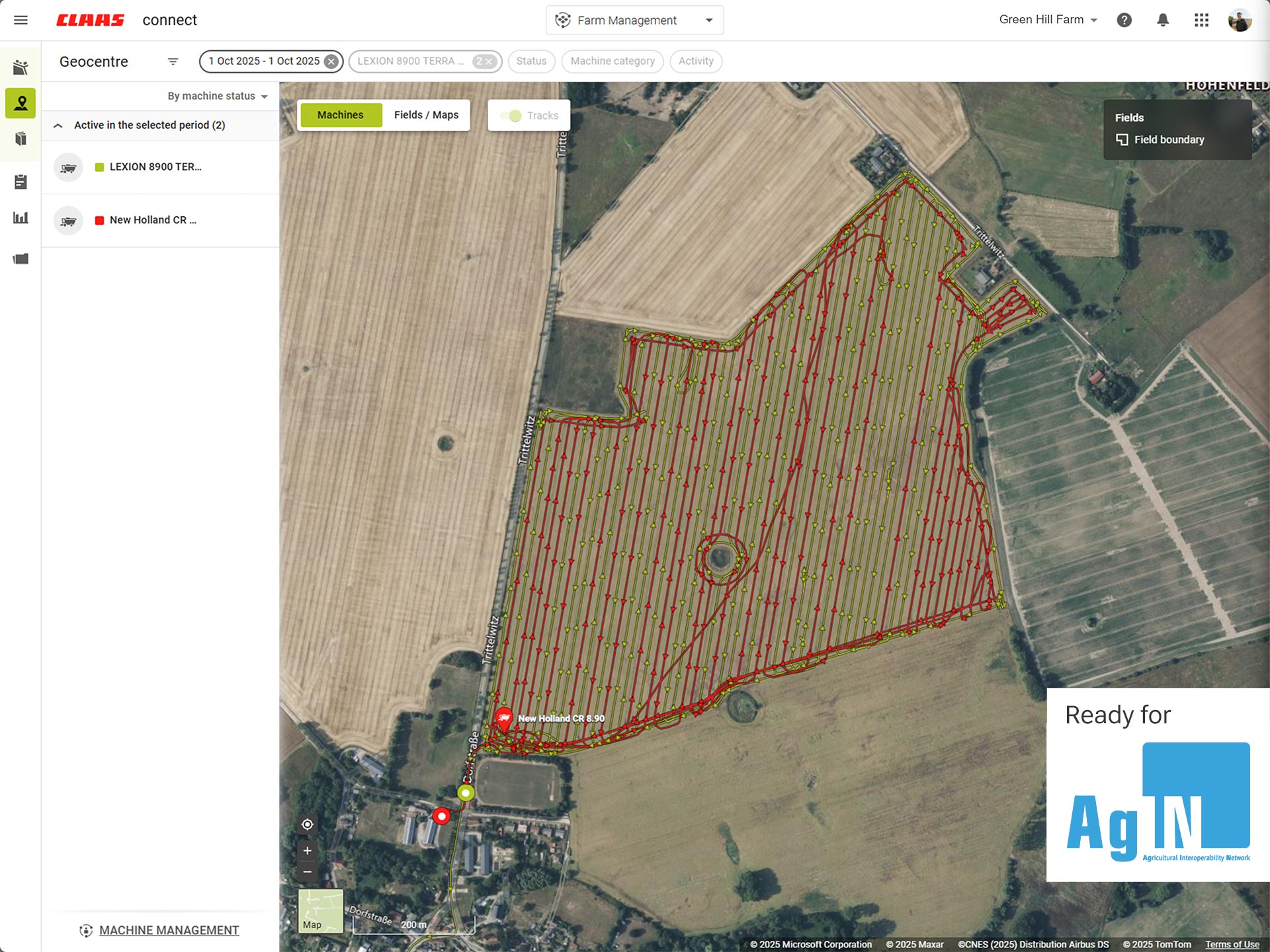
Get control of all your logistics operations and respond quickly.
02
Find your machine in CLAAS connect – whatever the manufacturer.
03
Process yield maps even from machines not manufactured by CLAAS.
How do I document my field work?
Find out more
-
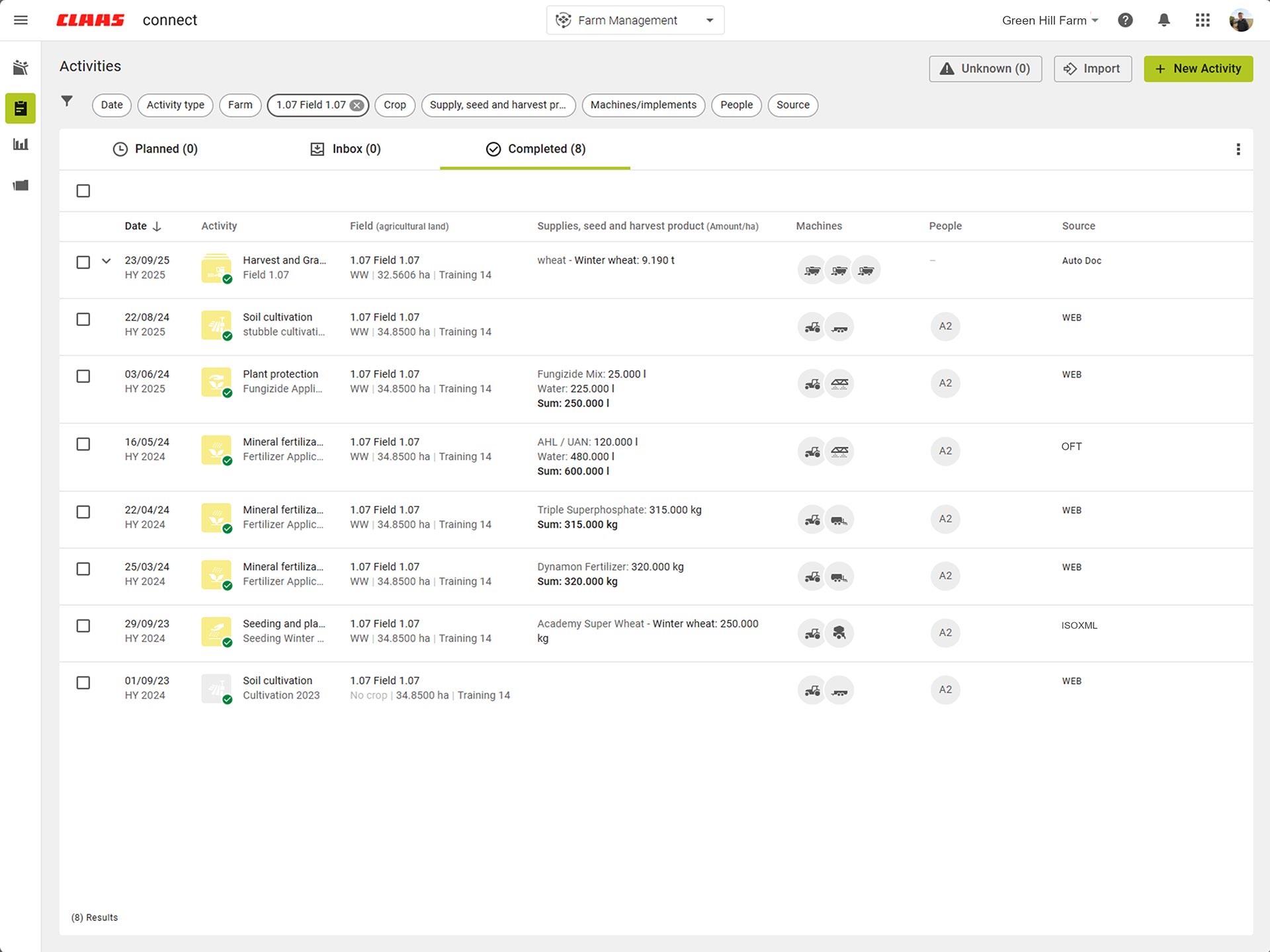
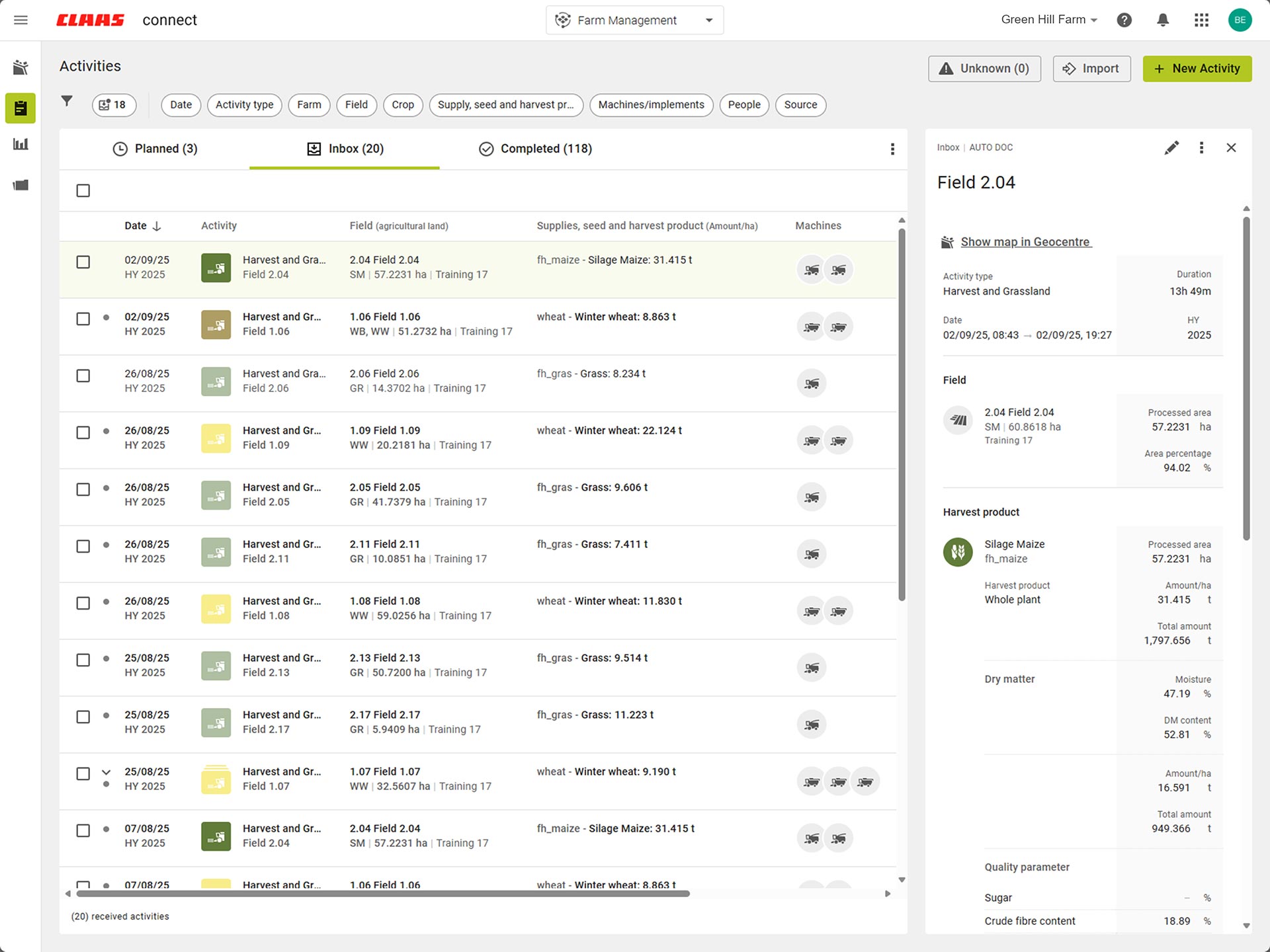
Combine activities from different sources for a clear overview.
-
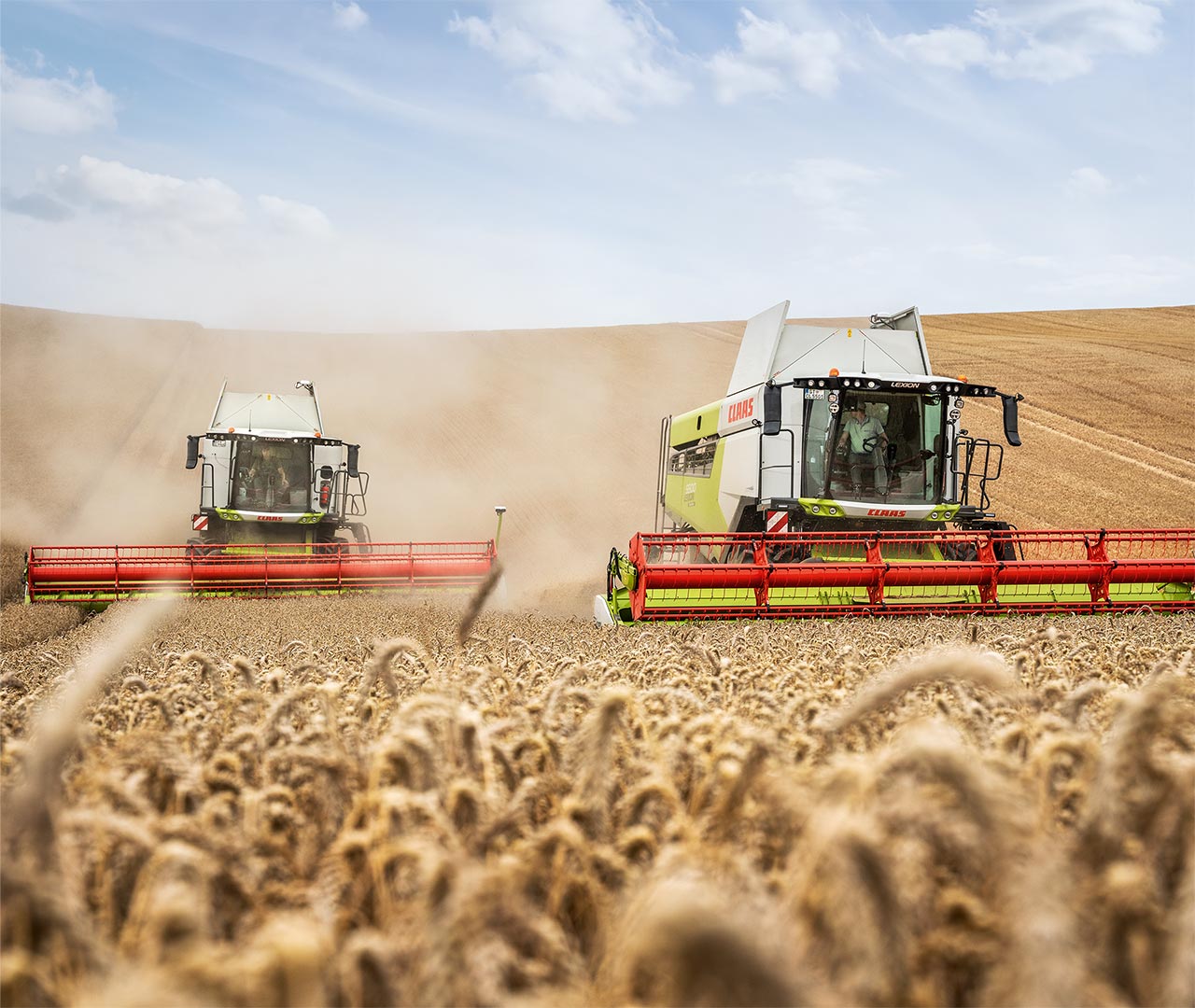
Automatically record and save work from harvesting machines and tractors at field level.
-
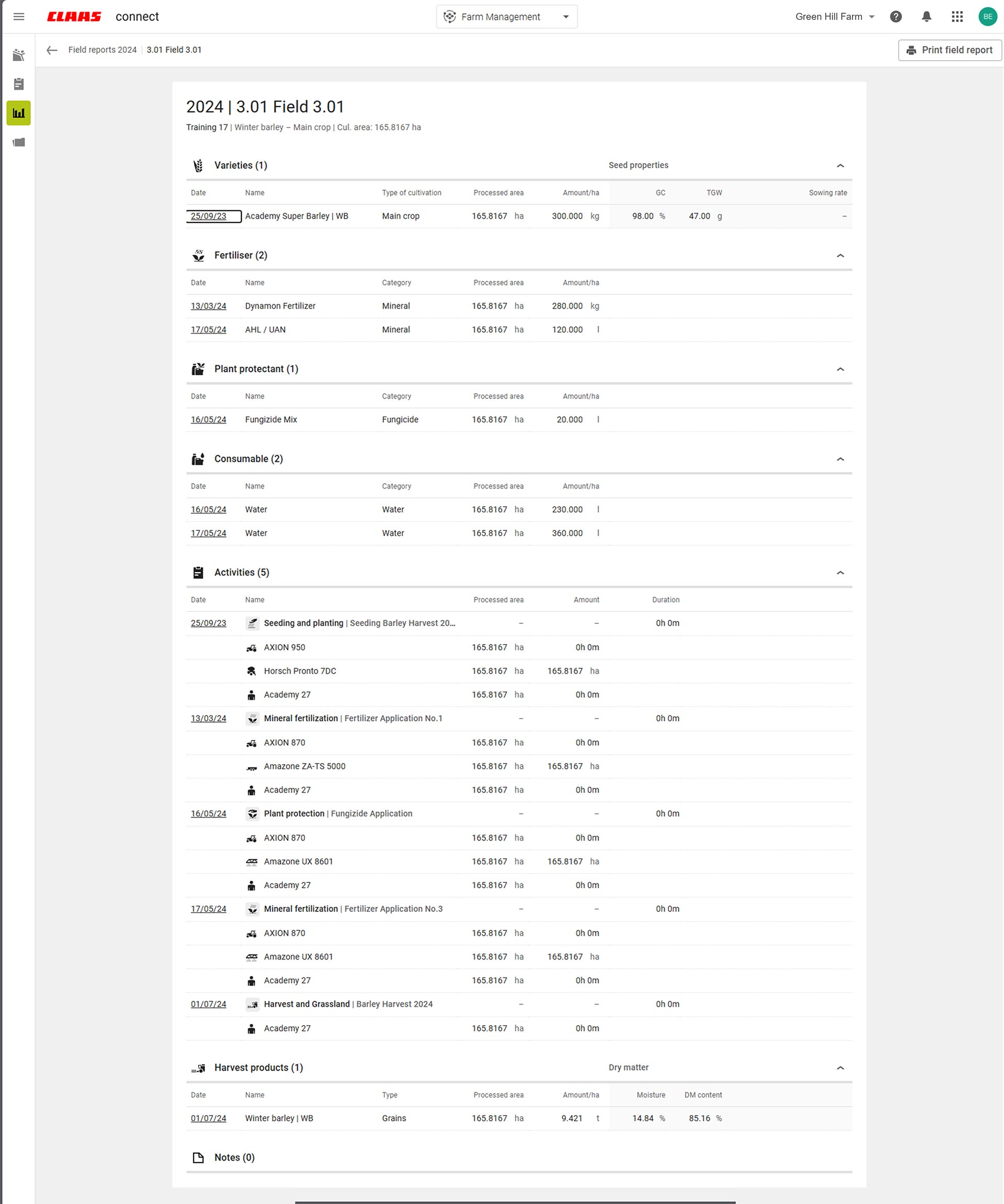
Combine a whole year's work in one field report.
-
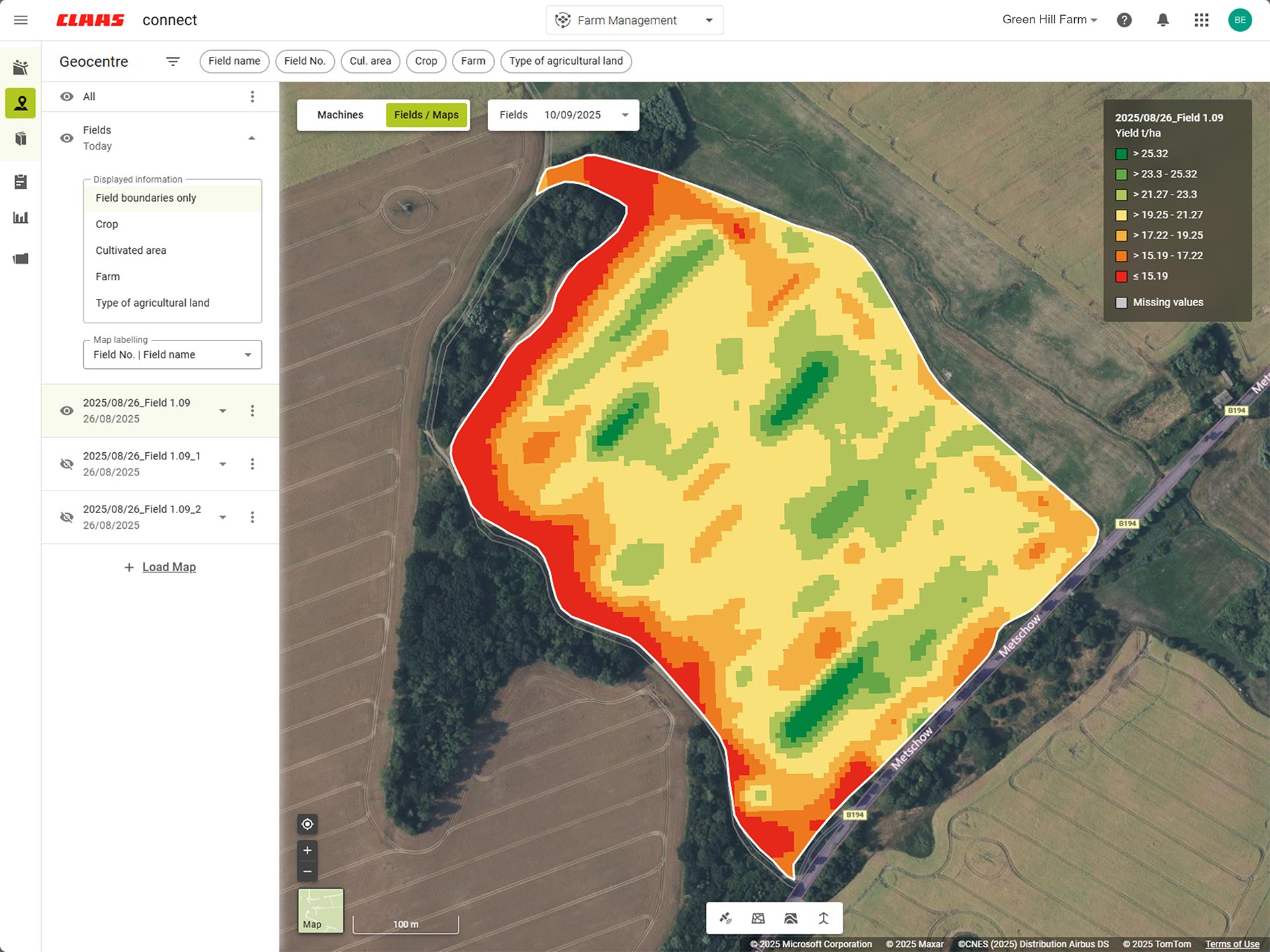
Use automatically interpolated yield maps.
-
-
-
All you campaign data is combined in one place.
-
-
Stories overview
My documentation
01
Compile your documentation from different sources.
02
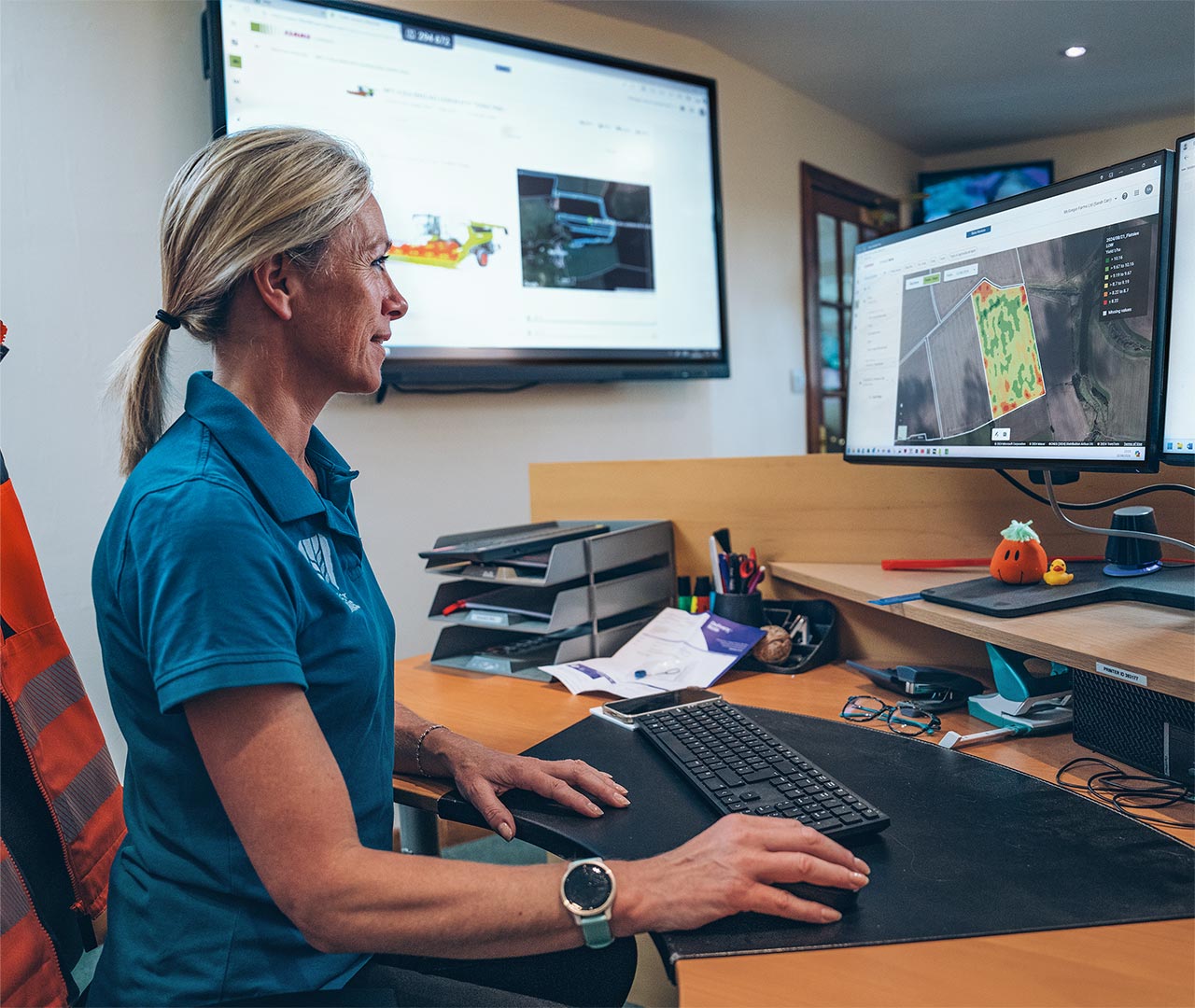
Your yield maps are created automatically.
03
Your campaign is summarized clearly and concisely.
How do I transfer my task data?
Find out more
-
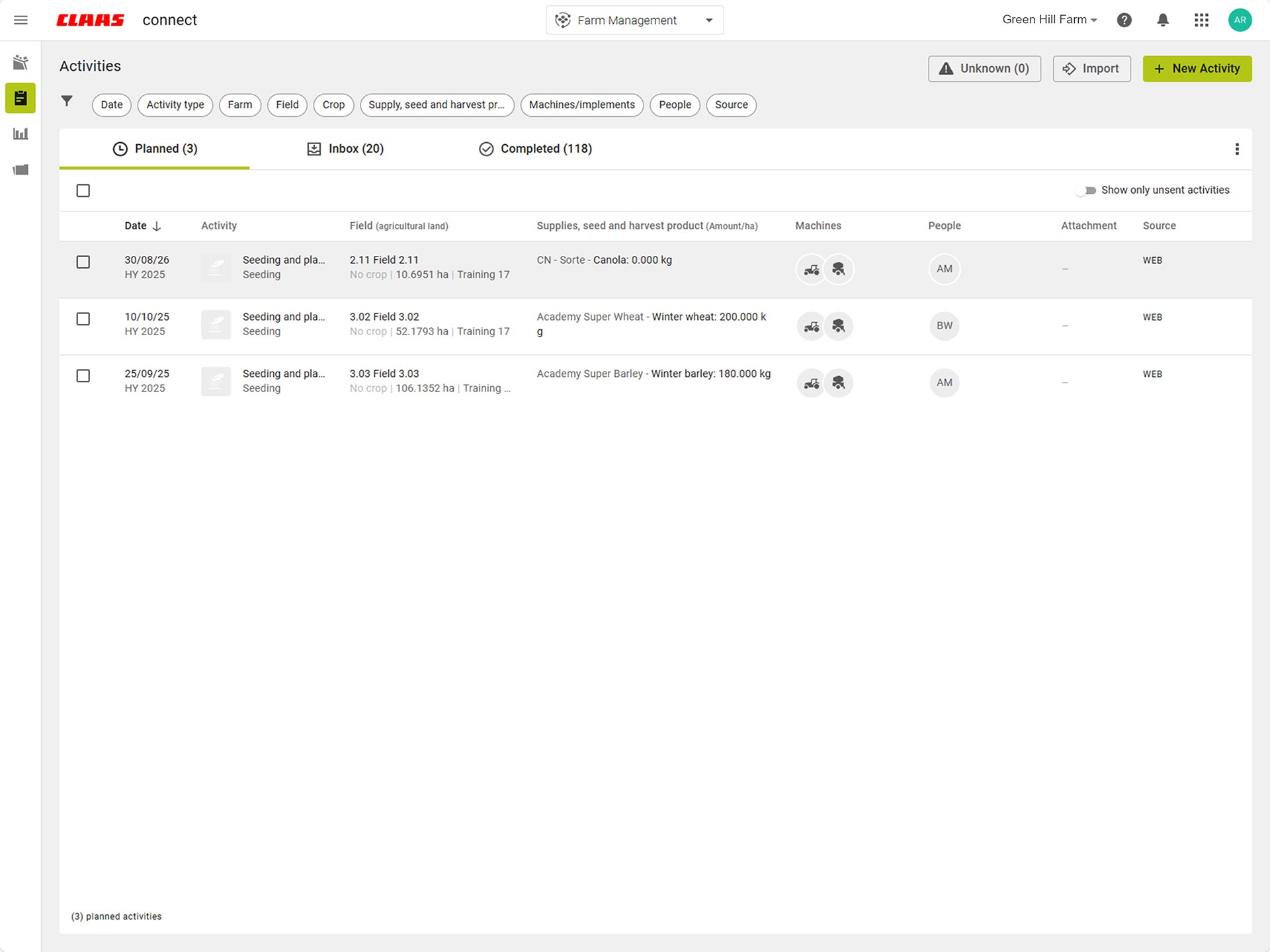
Effortlessly organize your tasks – with all relevant information.
-
-
-
Receive jobs online and use application maps, field boundaries and reference tracks.
-
View yield maps and as-applied map live on the display.
-
-
Your tasks are clearly combined in one place.
-
-
Stories overview
My task management
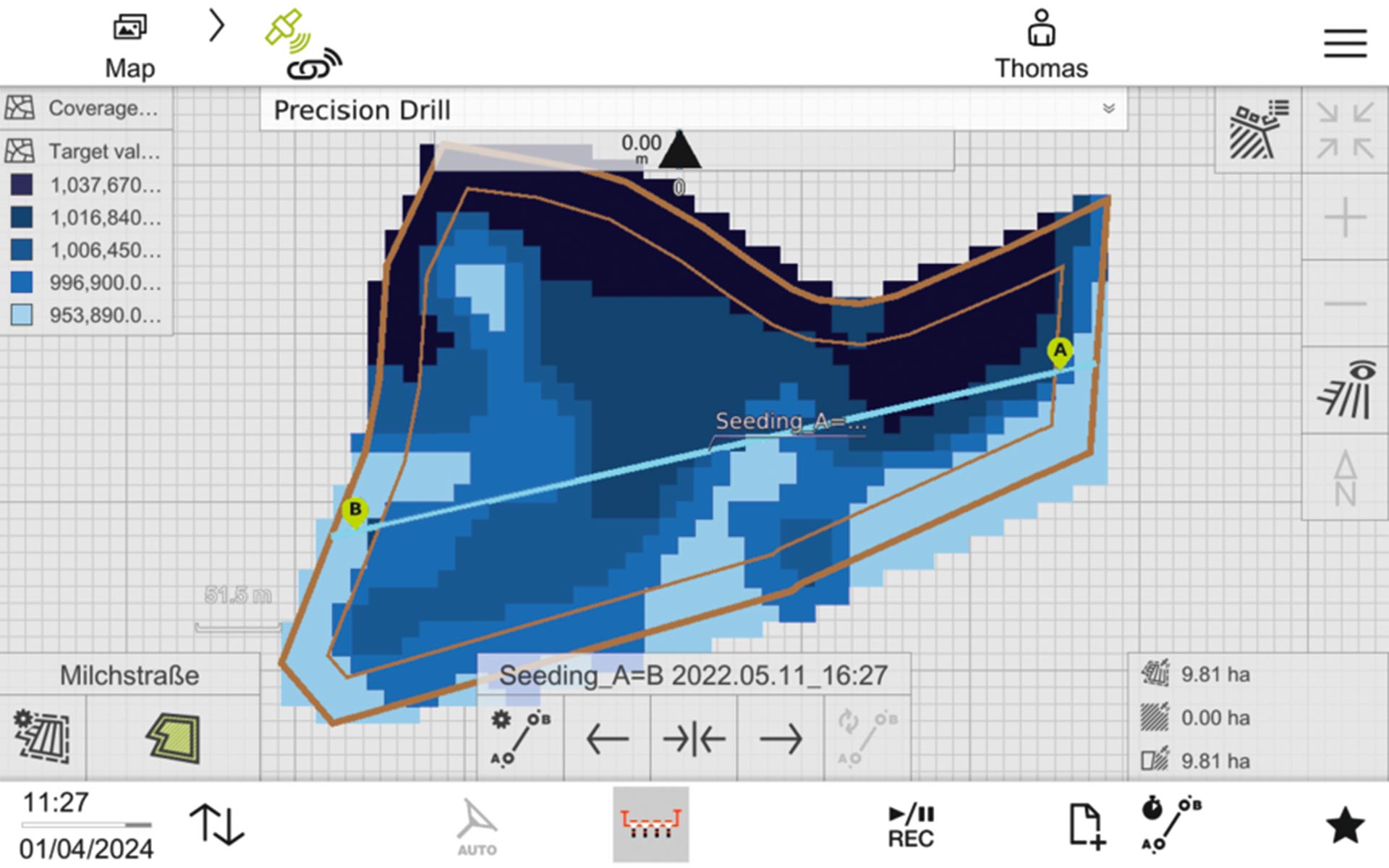
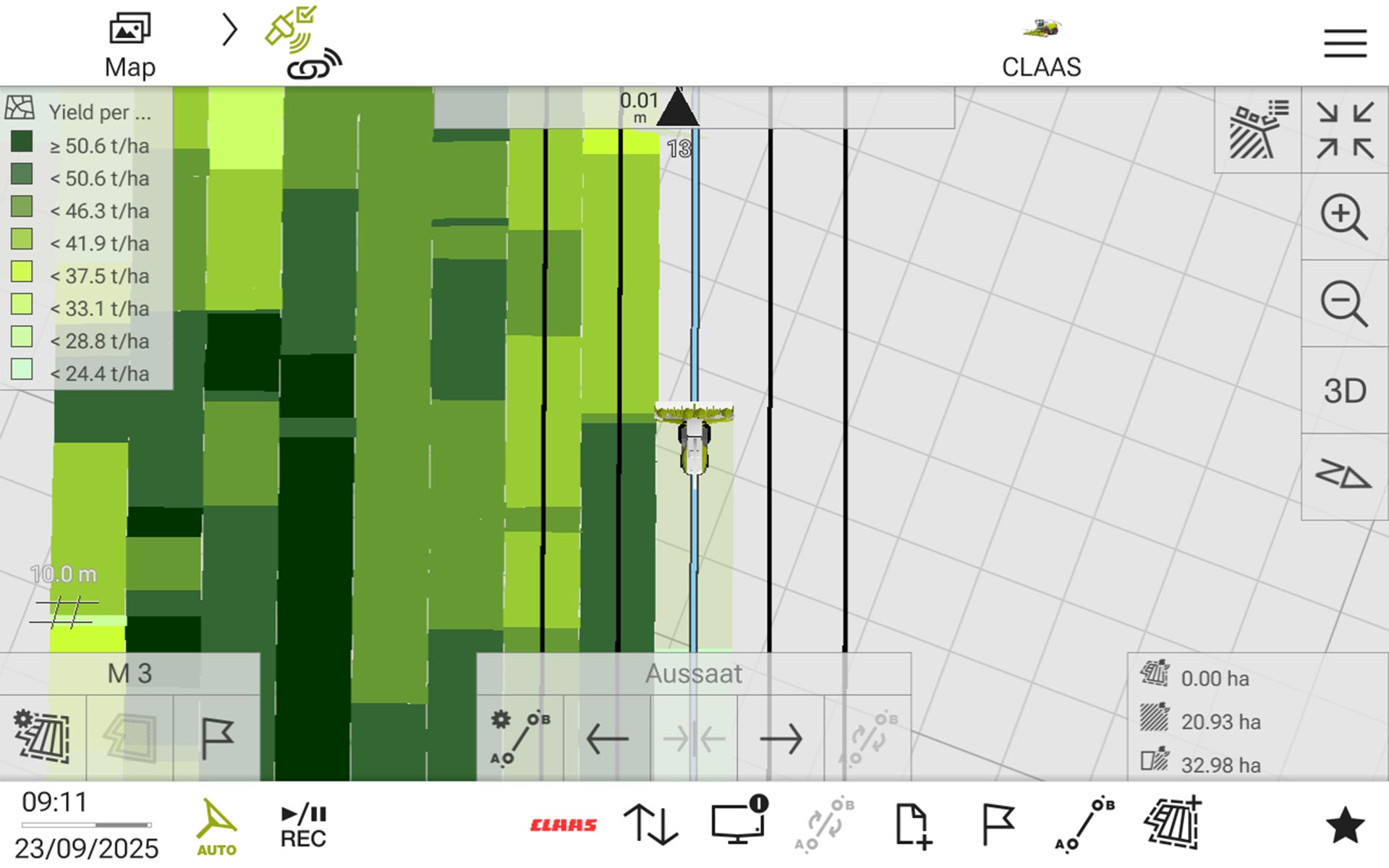
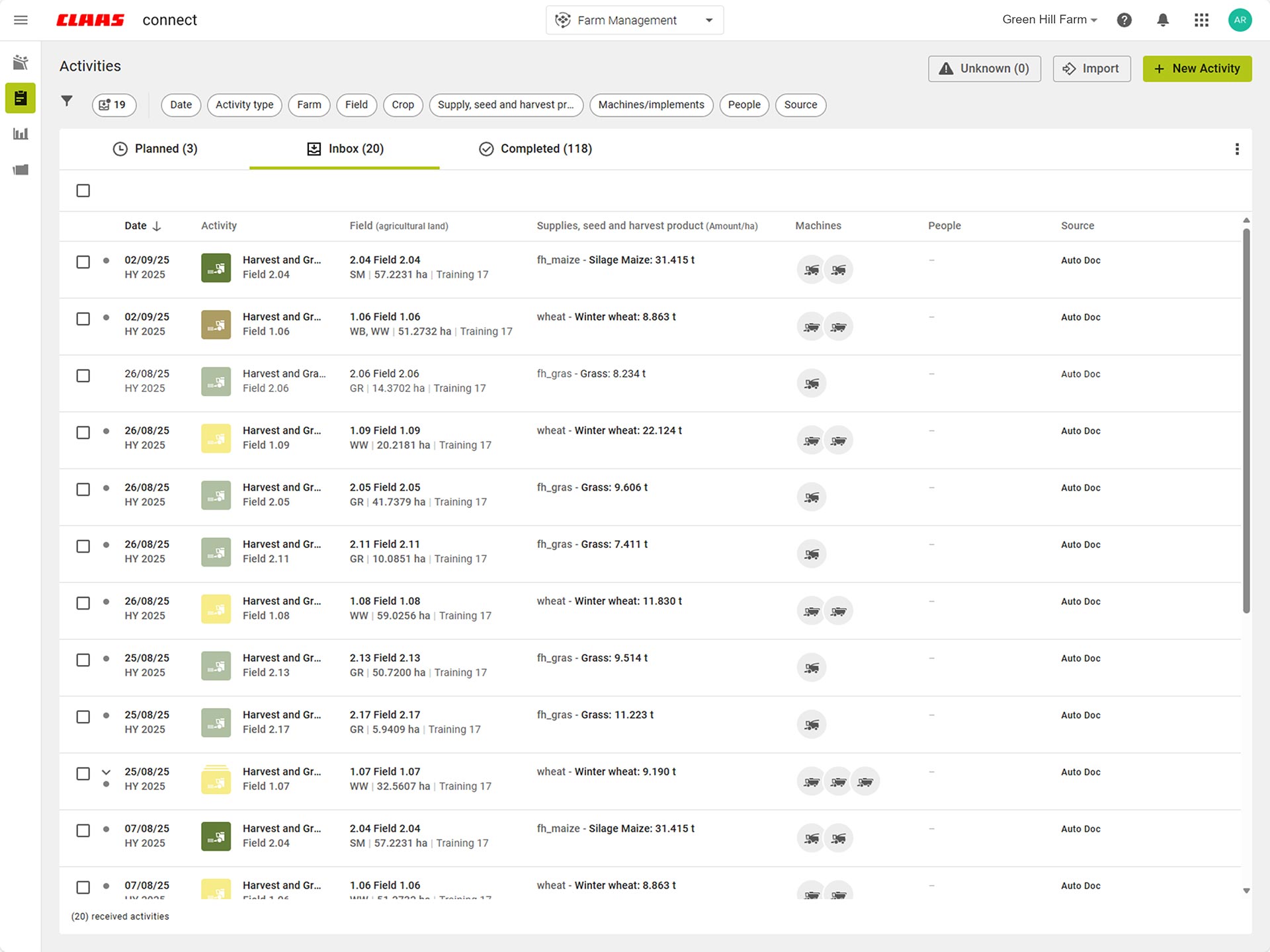
01
Preparation:
quickly plan your activities together with all key information.
02
Execution:
work through the tasks on the machine swiftly and intuitively.
03
Send and receive:
the machine sends completed tasks back to the office.
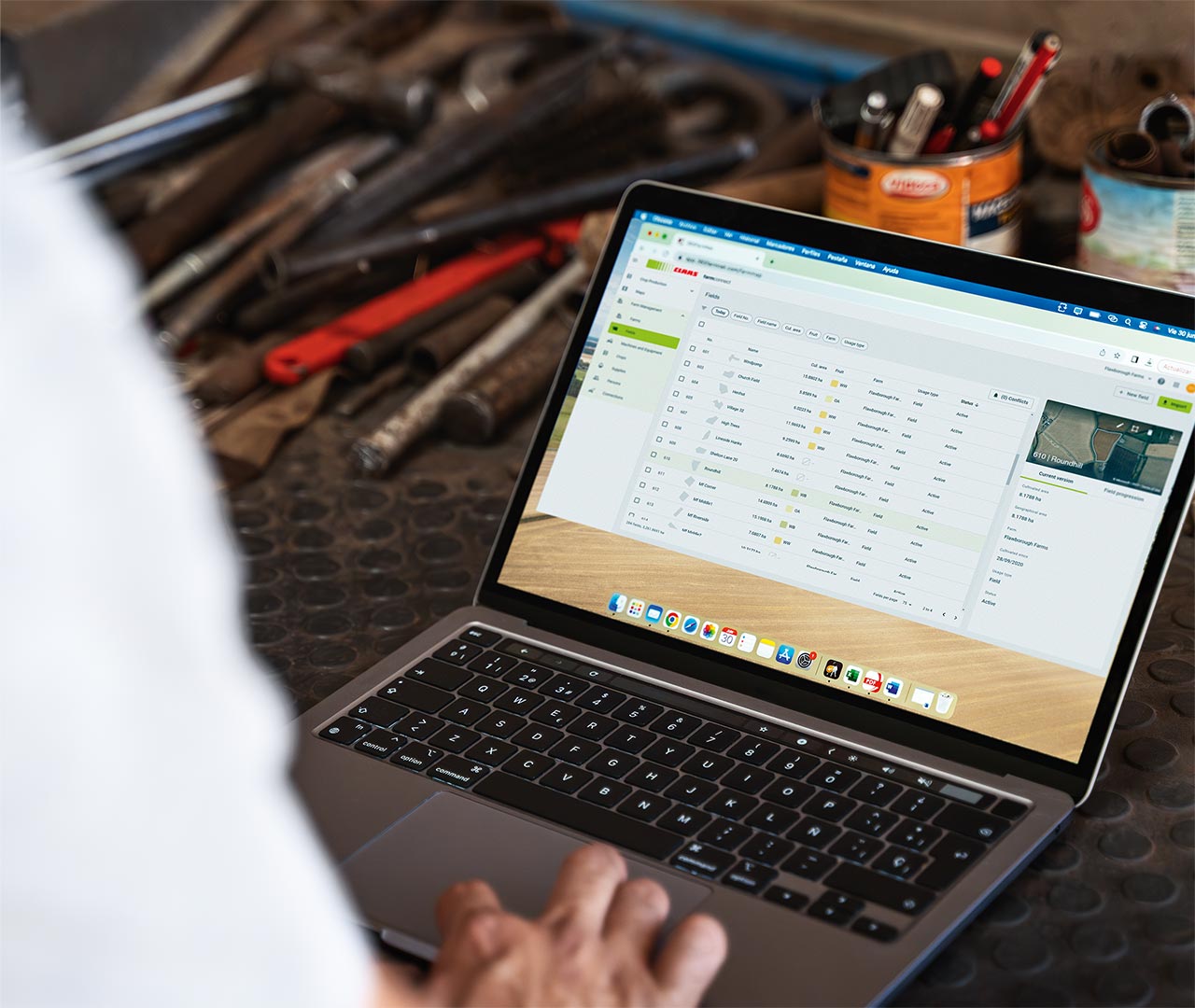
How do I manage my geodata?
Find out more
-
Combine telemetry data, ISOXML and Shape files in one yield map.
-
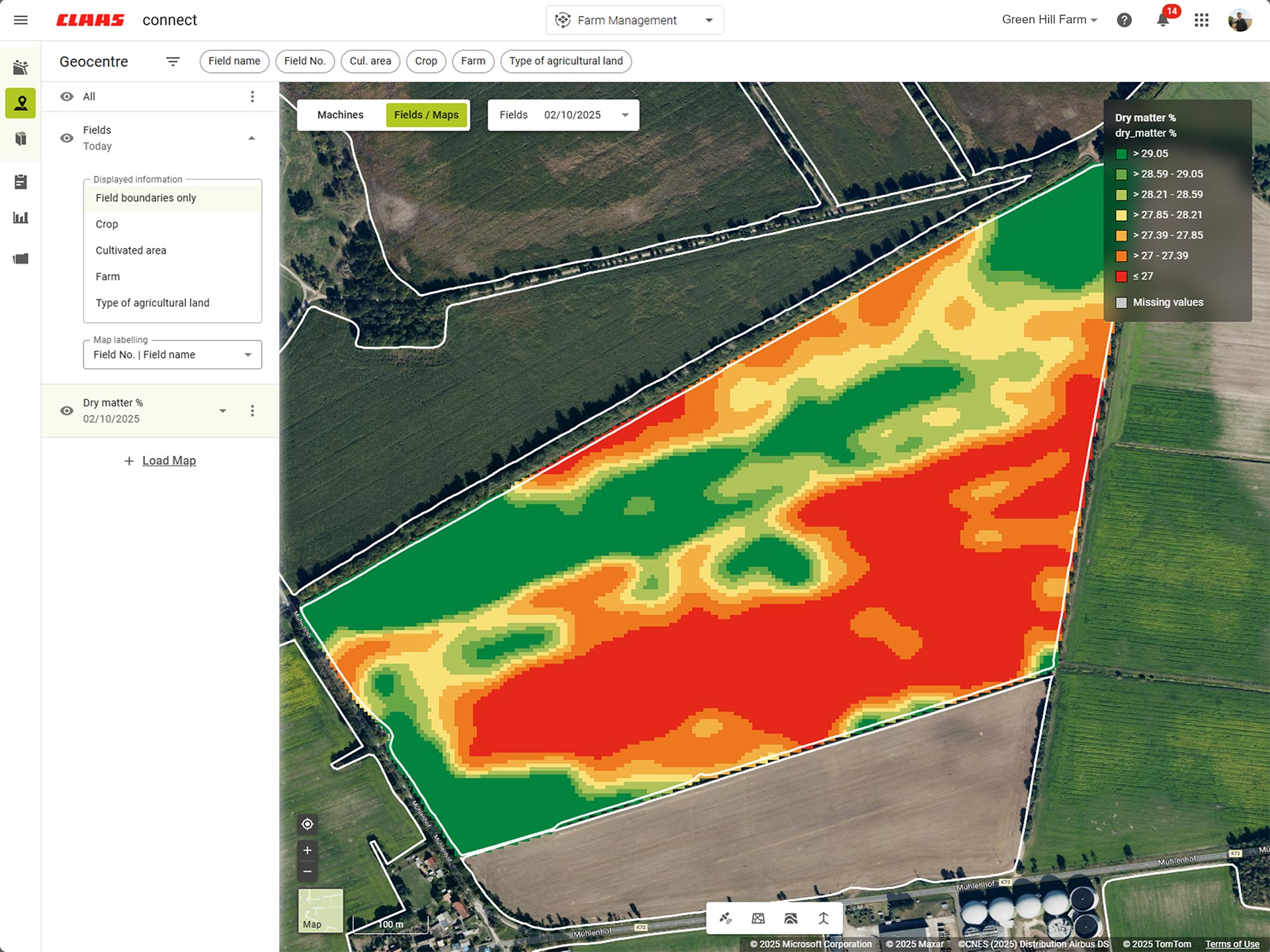
View your crop constituents by creating protein or dry matter maps from your harvest data.
-
-
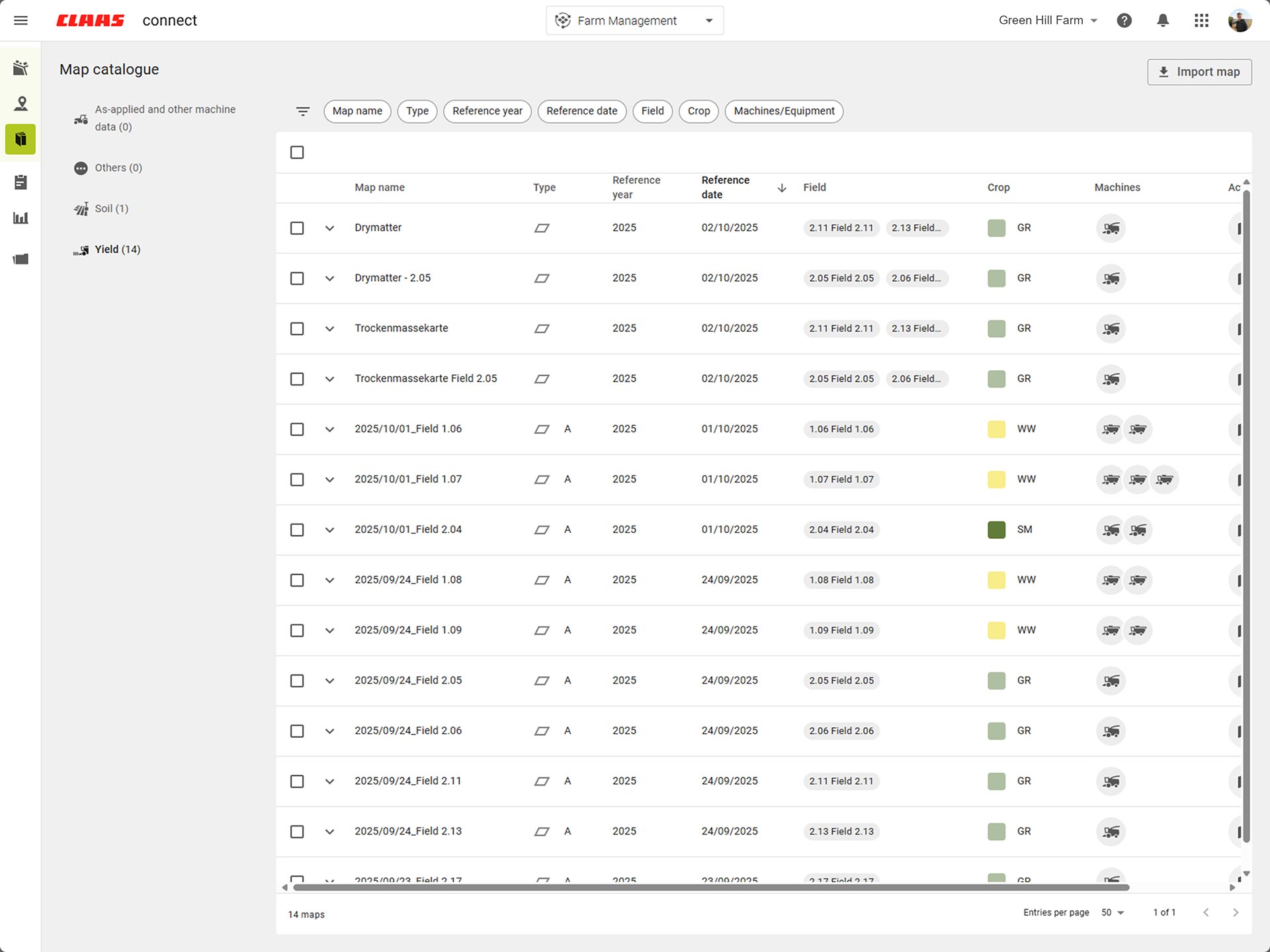
Find all maps and associated machine data clearly displayed in one place.
-
-
-
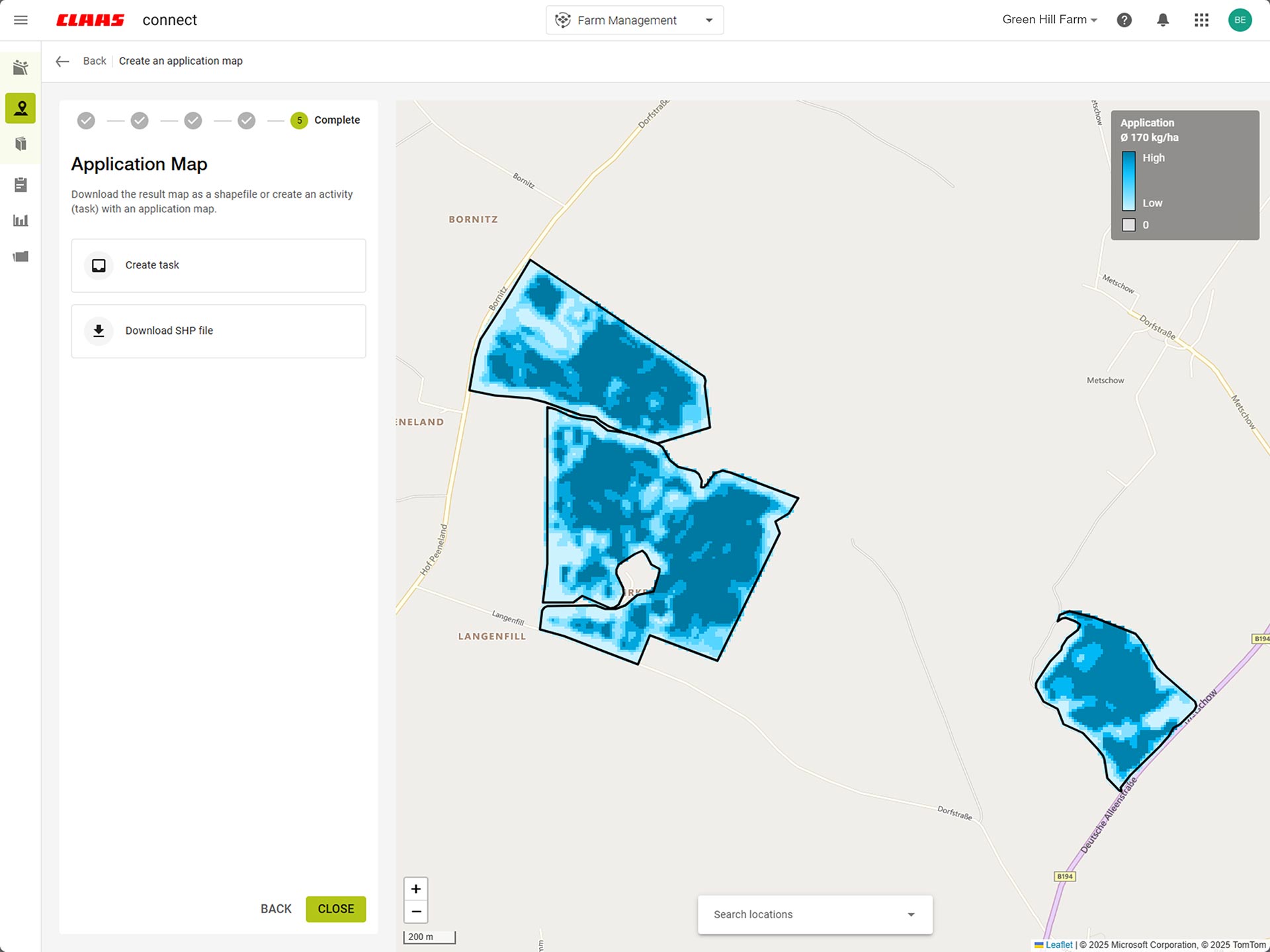
Create application maps based on satellite images and other data sources.
-
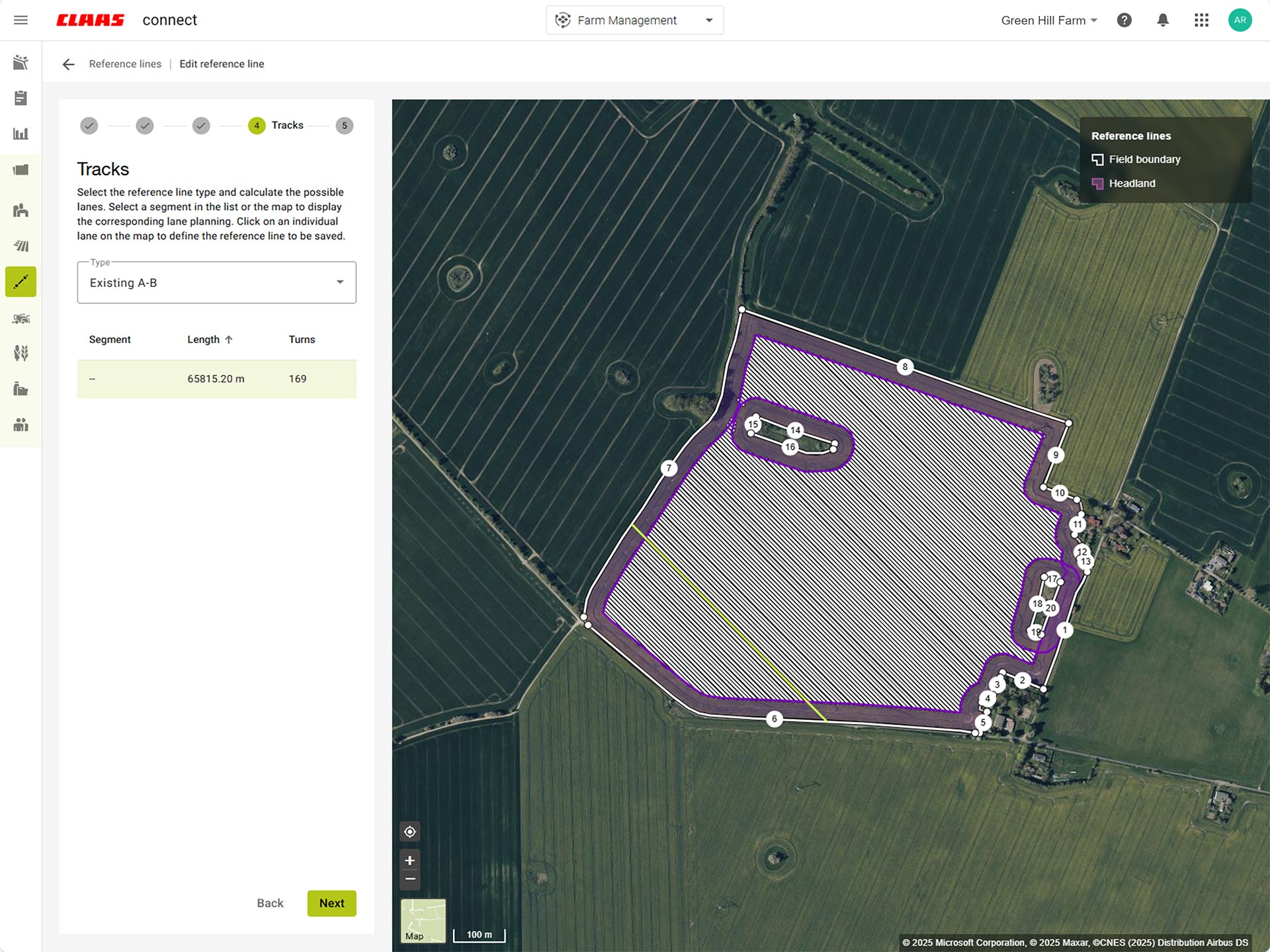
Use track planning to manage tracks and create the optimal reference track.
-
Stories overview
My Precision Farming
01
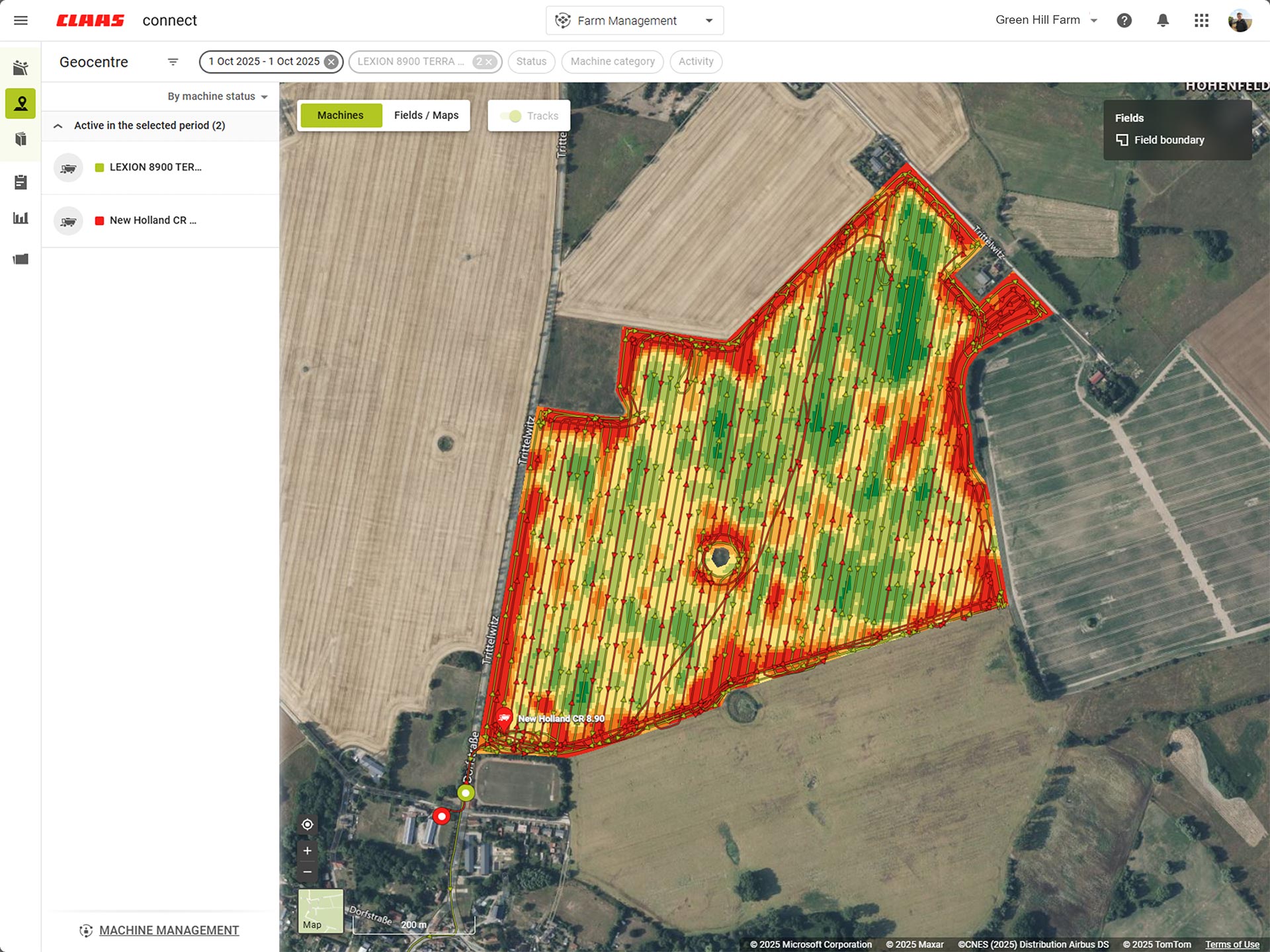
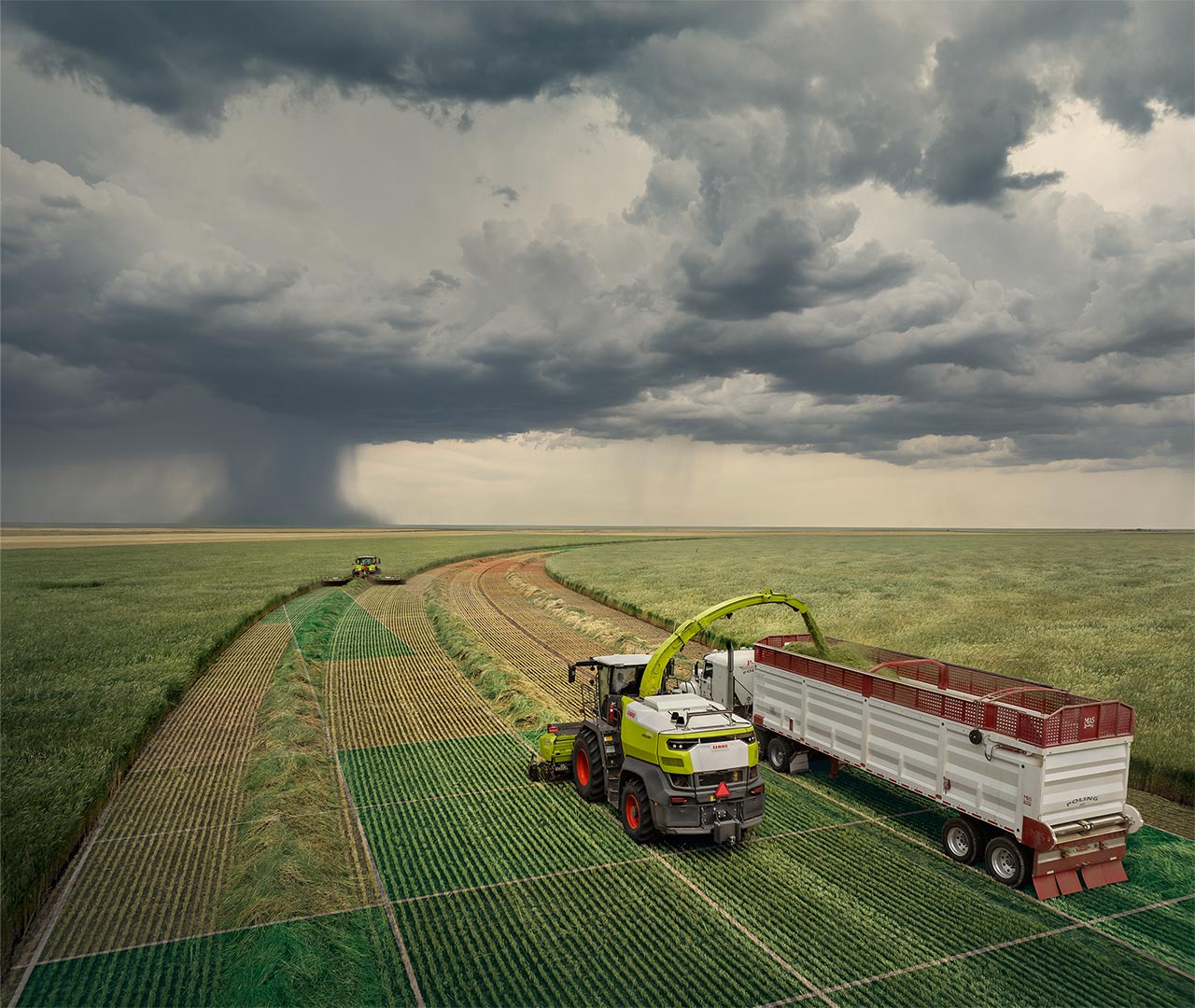
You take care of the harvest – we'll take care of your maps.
02
Find all your geodata clearly arranged in one place.
03
Create application maps and optimal reference tracks with ease.
Which machine is best for my business?
Find out more
-
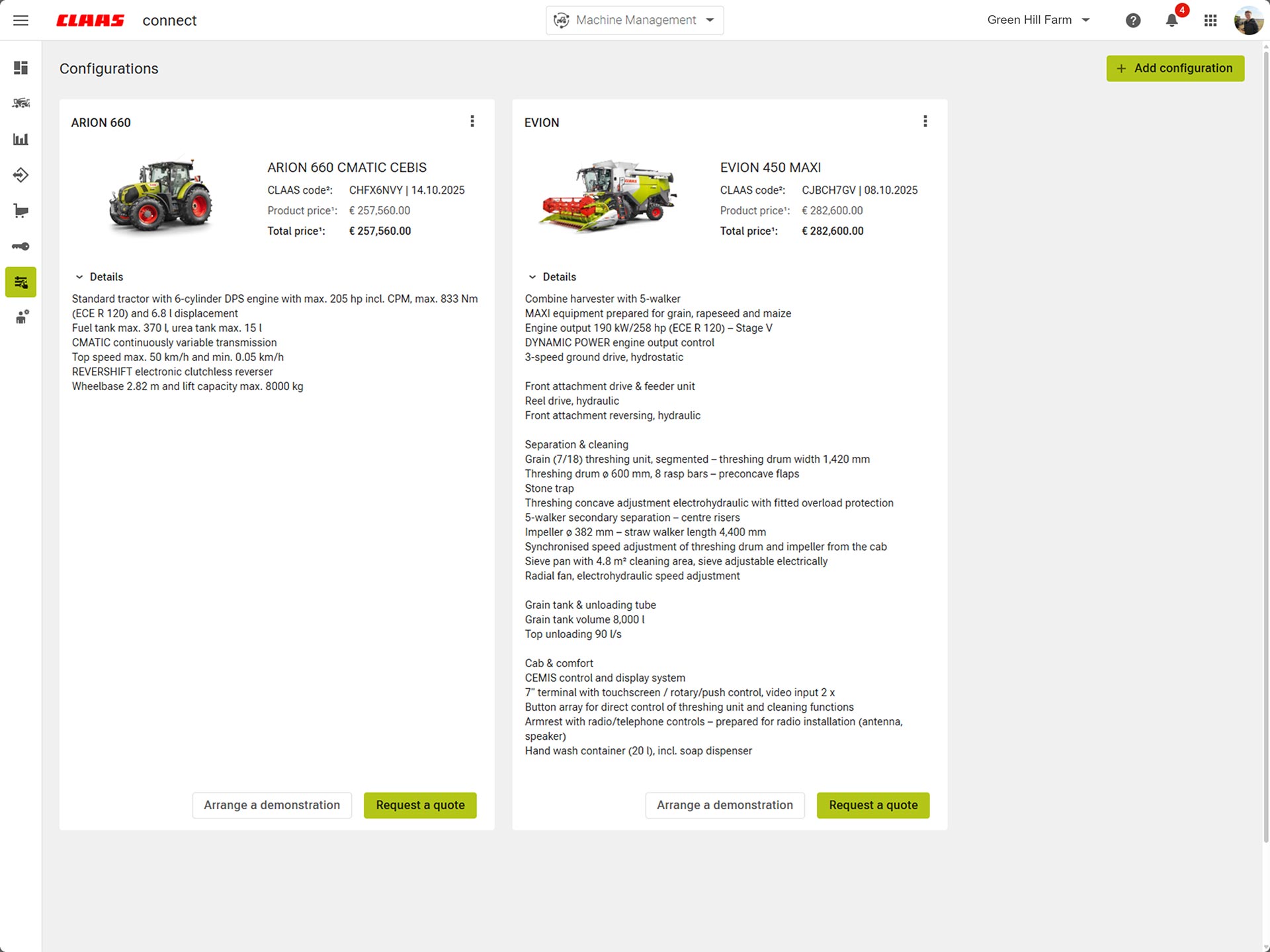
Configure your new machine in CLAAS connect.
-
-
-
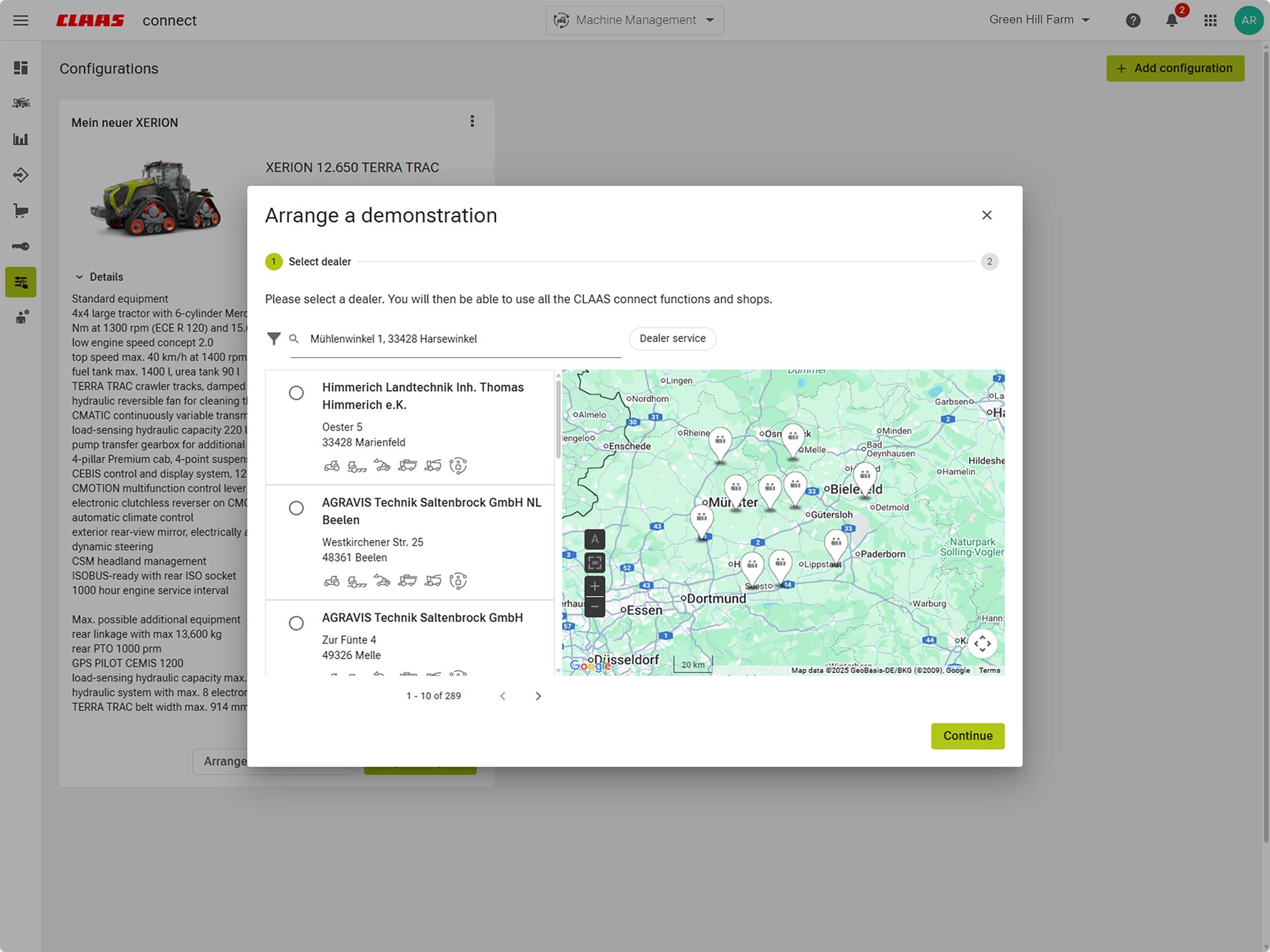
Just ask your dealer for a demo.
-
-
-
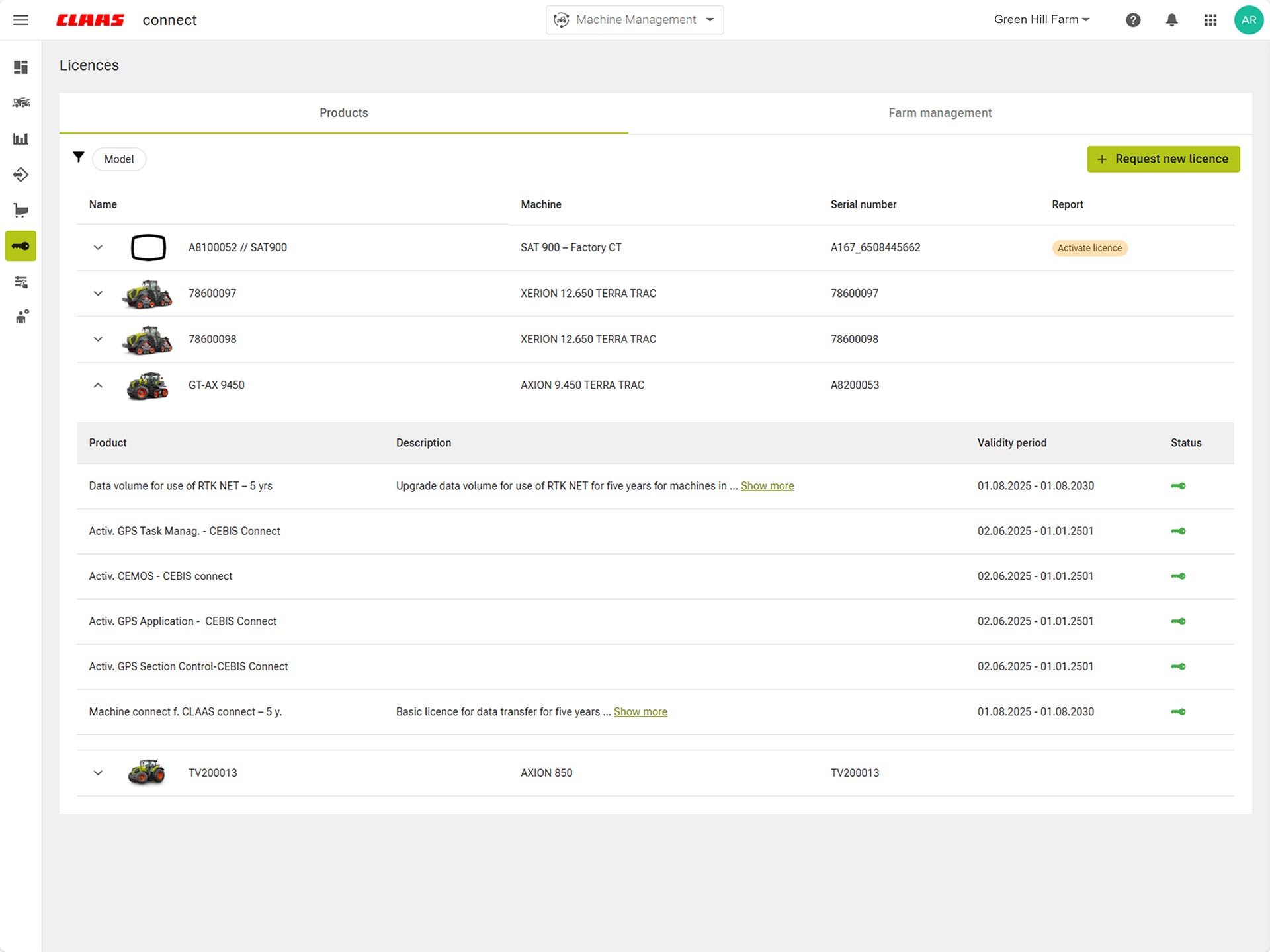
Test first, then purchase. It's easy to activate test licenses for CLAAS connect and CEMIS 1200.
-
-
Stories overview
My machine configuration
01
Configure your machine to suit your requirements in CLAAS connect.
02
Get a customized quote and demonstration date straight from your dealer.
03
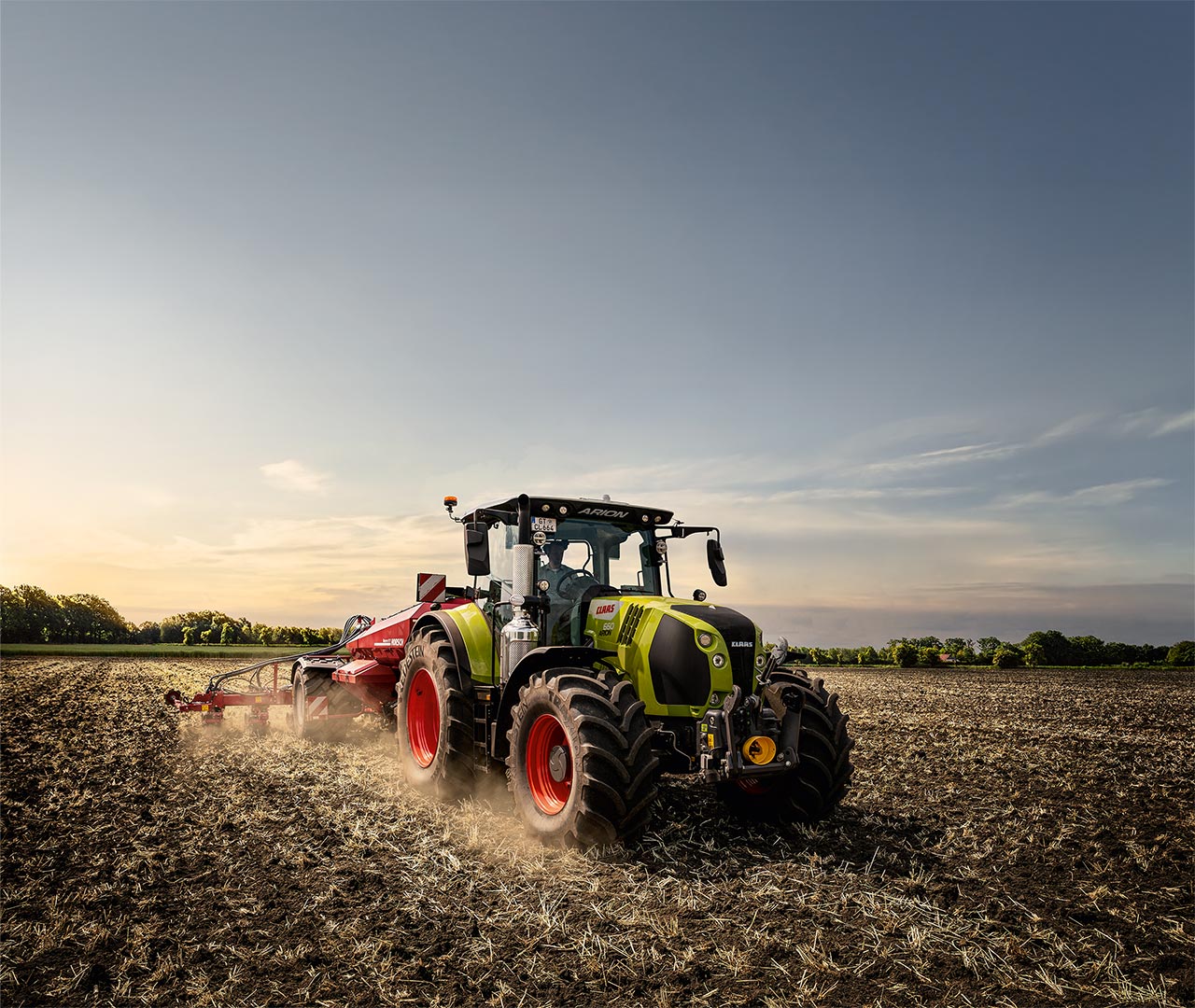
All machines from the ARION upwards send data and are optimally prepared for digital applications.